Download pre-made workouts from Garmin Connect
Need some help with your workout? We’ve got your back.
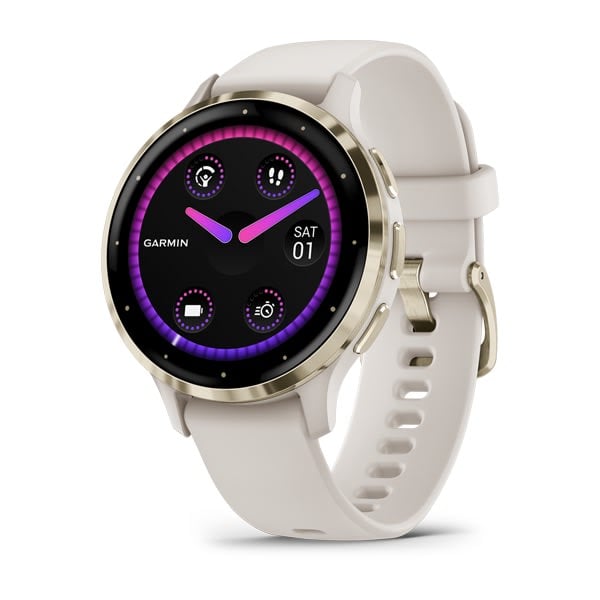
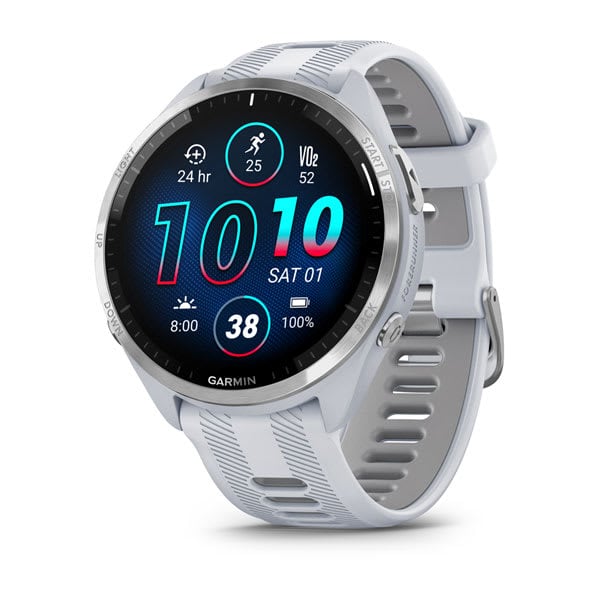
Take the guesswork out of planning your workouts. All Garmin Connect users have access to free, premade workouts with step-by-step instructions. You can even download the workouts directly onto select watches. The range is incredible, offering a variety of difficulty levels, durations, muscle groups and activity options.
You can also view easy-to-follow yoga, Pilates, cardio and strength workout animations on your phone or in a web browser. Some select watches allow you to view animations right from the watch during the workout.
Finding and Downloading Workouts (app and web)
- Select “Training” from the main Garmin Connect menu.
- Open Workouts.
- Choose “Find a Workout” and start browsing workout options.
- Select an exercise and press play to view.
Note: The written steps and tips appear below each video.
- Select Next or Previous to go through instructions and animations for other exercises in the workout.
- Choose “Save to My Workouts” to add it to your Workouts list.
- Go to your Workouts list, select the workout and choose the Send to Device icon (in the app) or button (on the web) and sync with your compatible device1.
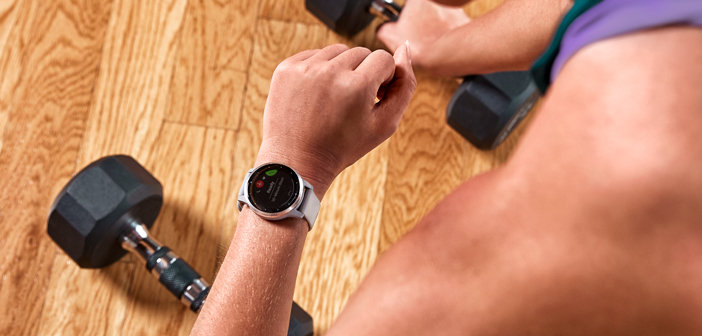
- Open the Sports Apps list on your watch and select the type of workout you downloaded (cardio, yoga, Pilates or strength).
- Select your downloaded workout. You can view the steps of the workout or start it right away.
- Press the lap button when you’ve finished with one exercise and are ready to move on to the next.
- Keep going until you’ve finished your workout and select “Stop.” Your stats will be uploaded to Garmin Connect the next time your watch is synced. Great job!