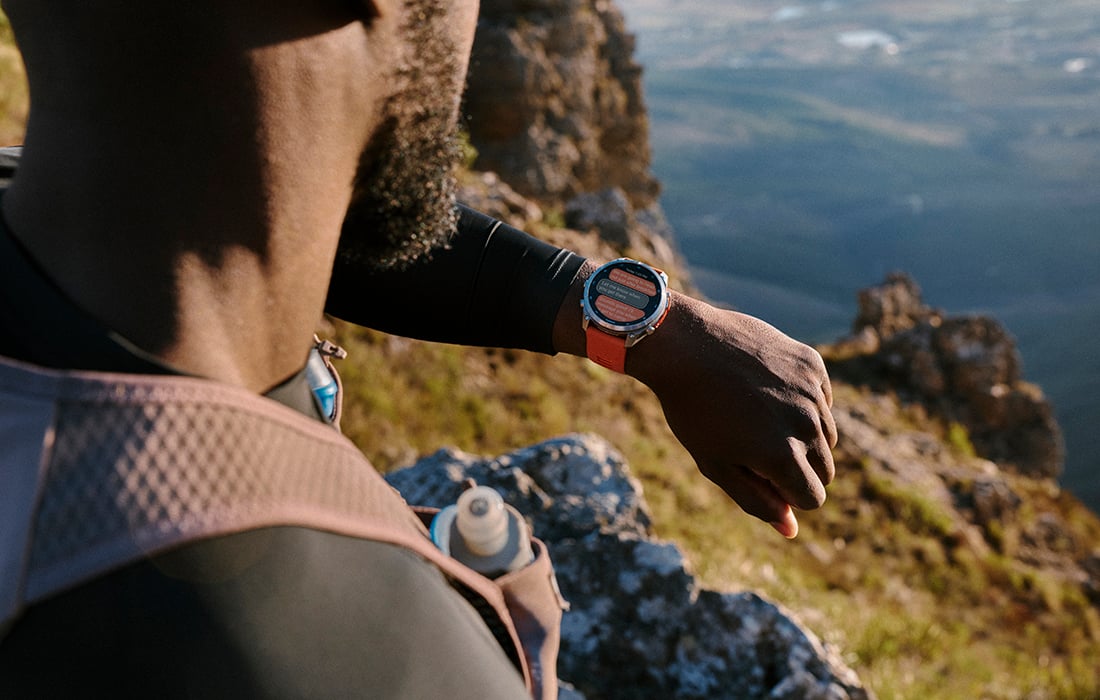
Get adventure-ready: Basic tips to prepare your inReach device
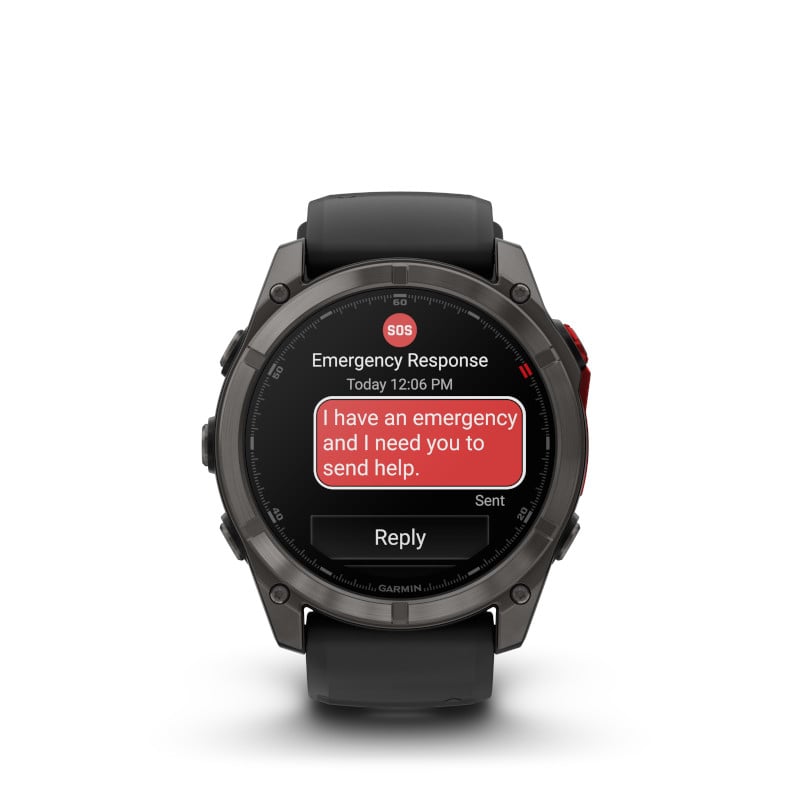
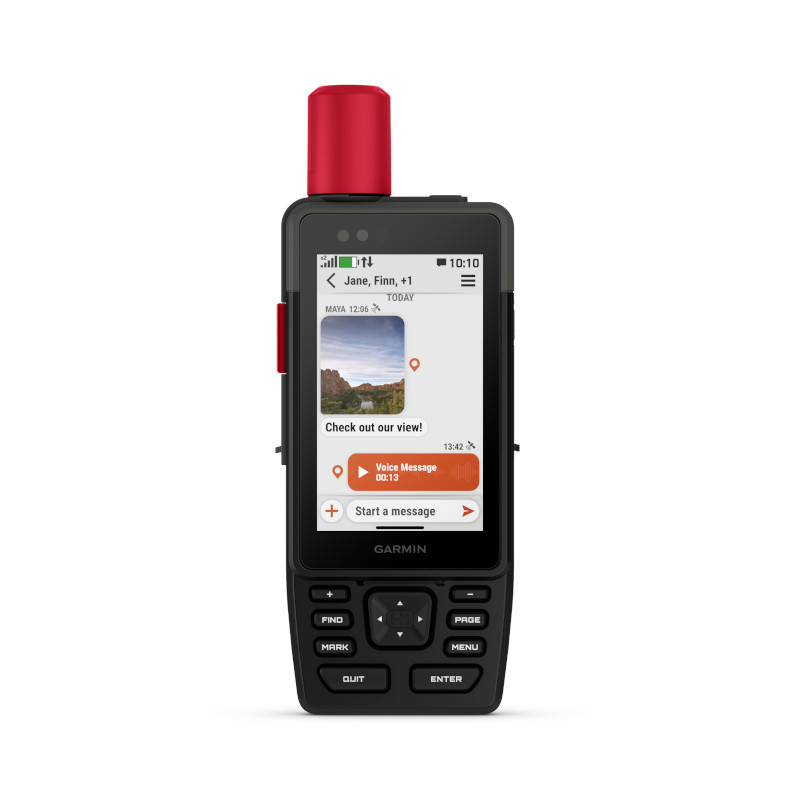
It’s important to check that your inReach® handheld¹ or smartwatch with SOS2 is set up ahead of upcoming activities. It doesn’t take much time, and once complete, you’re free to enjoy those superb adventure days.
Confirm the Download of Your inReach Device’s Compatible App
Each device connects to a Garmin app that you can download from the App Store® or Google Play to your smartphone. Once an app is downloaded, paired and synced to your inReach-enabled device, you can enjoy expanded features for your off-the-grid adventures and outdoor pursuits.
Garmin Apps and Their Compatible inReach Devices:
• Garmin Messenger™ App – Communication and Weather: fēnix® 8 Pro, inReach® Messenger, inReach Mini 2, GPSMAP 66i/GPSMAP 67i, GPSMAP 86i/GPSMAP 86sci, Montana 700i/Montana 750i and Alpha 200i/Alpha 300i devices
• Garmin Explore™ App – Mapping and Navigation: fēnix® 8 Pro, inReach Mini 2, GPSMAP® 66i/GPSMAP 67i, GPSMAP 86i/GPSMAP 86sci, Montana® 700i/Montana 750i and Alpha® 200i/Alpha 300i devices
• Earthmate® App – Communication, Mapping and Navigation: inReach® Mini, inReach Explorer®+, inReach SE®+ and DeLorme® inReach devices
Pair the App to Your inReach Device
Once you’ve downloaded the correct app to your smartphone and made an account, it’s time to pair the app to your device. This lets you control the device remotely, accept automatic software updates and sync information between your device and the app. This is done through the app by selecting Pair Device.
Check Your Service Plan
Check your plan so you’re not caught in a situation with a device that doesn’t connect. An active plan means access to the satellite and/or LTE networks (based on device) for inReach functionality, which includes location sharing, messaging, weather forecasts and SOS, among other actions.
Plans can be checked, activated or changed from your device’s companion app.
Review Your Account Settings
When you’re done confirming your plan status, take a moment to check and update your personal information, emergency contacts and notes, messaging contacts, check-in and quick text messages, and more. Simply navigate through the menu options of your device’s companion app to review each section and make changes.
Sync Updates to Your Device
Now that you’ve reviewed your account, it’s important to sync the app and your device to be sure all information is consistent. While this does happen automatically when the device is powered on with an active internet source and connected to its corresponding app, you can also go to the Device page in the app and force a sync.
Practice Using Your inReach Device
Familiarize yourself with features such as weather, messaging and other inReach tools you may frequently use. This will be a time-saver and confidence booster if you can use the device with ease while out and about.
Test Your Device Before You Go
To confirm that your plan is active and your device is ready, Garmin offers an easy Test message feature. To learn how to test your specific inReach-enabled handheld or smartwatch, click here.
Support Resources
If you need help with how to set something up on your inReach-enabled device or need a functionality refresher, Garmin offers a range of support options found in the Garmin Support Center. Simply navigate to the support page and enter your device name to find relevant information.
For a list of support options, check out our Garmin support resources article.
¹Active subscription required. Some jurisdictions regulate or prohibit the use of satellite communication devices. It is the responsibility of the user to know and follow all applicable laws in the jurisdictions where the device is intended to be used.
²LTE network coverage and satellite connectivity are not available in all countries. Check Garmin.com/fenix8procoverage for requirements and to see which services are accessible in your area — or in countries to where you may be traveling.
Apple and App Store are trademarks of Apple Inc., registered in the U.S. and other countries. Google Play and the Google Play logo are trademarks of Google LLC.