How Garmin helps you run with peace of mind
With Garmin safety-enhancing features, run with peace of mind whenever and wherever the miles take you.
Let’s be honest: Outdoor running is great for your mind and body, but you may lead a busy life and only have time to run when it’s dark out. Or maybe you’re training for a longer race, such as a 10K, and your routes lead you away from home.
That’s why our running watches have safety-enhancing features such as LiveTrack™, fall detection (fall detection only available on Venu® 4), incident detection and assistance. Plus, with LTE connectivity on select wearables, you can remain connected — even without your phone1.
What is LiveTrack?
LiveTrack creates a real-time view of your location when you’re out running or doing any GPS-based activity so friends and family can follow along wherever you are. This is a great way for your biggest fans to cheer you on every step of the way on race day, but it also helps give you and your loved ones peace of mind while you’re training.
To start a LiveTrack session, pair your compatible Garmin device with the Garmin Connect™ app and enable LiveTrack for your GPS-based activity. When you select Auto Start, all future timed activities on that device will automatically start a LiveTrack session and can be sent via email to designated contacts. With a Garmin Connect+ plan, your friends and family can be notified via text when you start an activity on a compatible device. You can also create a personalized LiveTrack profile page where followers can view a map with the current location of your phone or LTE-connected device (if available).
How do fall detection, incident detection and assistance work?
Fall detection, incident detection and assistance features can send alerts to your friends and family when you need help. These features offer a couple of ways to get in contact with your loved ones. To utilize these features, pair your smartphone with a Garmin GPS-enabled device and ensure you’re in an area with cell coverage.
Fall detection
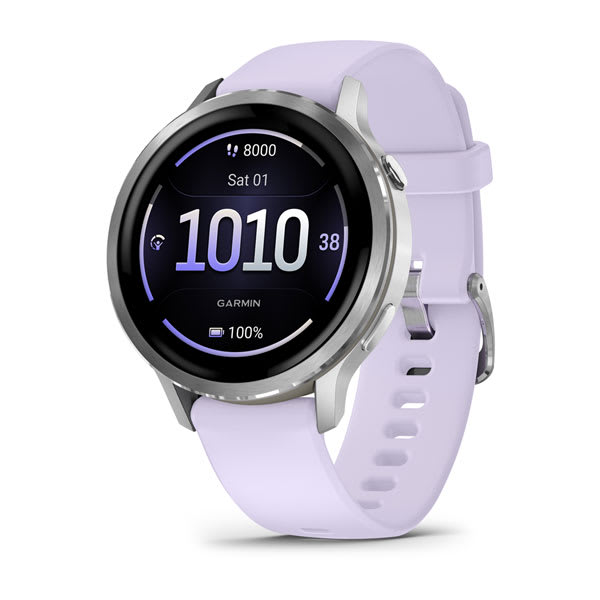
Looking for a safety-enhancing feature with all-day monitoring? Venu 4 users can enable fall detection to track throughout the day or for specific activities such as running, walking or cycling. If your Venu 4 smartwatch detects a fall, your smartwatch can send a message2 with your location (if available) to your 3 designated assistance contacts.
Incident detection
If your Garmin running watch detects an incident during an activity, your paired smartphone or your fēnix® 8 or fēnix® 9 Pro Premium GPS smartwatch can send an automated message through Garmin Connect with your name and GPS location (if available) to up to 3 assistance contacts when enabled.
Before the message is sent, you’ll receive a notification on your smartwatch or paired smartphone that your designated assistance contacts will be notified within 30 seconds. You can cancel the automated message if help isn’t needed.
Learn more about requirements and setting up incident detection on your device before starting your next activity.
Assistance
Whether in the middle of an activity or not, users can get in touch with designated assistance contacts directly from their wrist if they need help. To manually notify your assistance contacts, request assistance and your watch can send a message with your name, LiveTrack link and GPS location (if available).
What about LTE connectivity and SOS messaging capabilities?
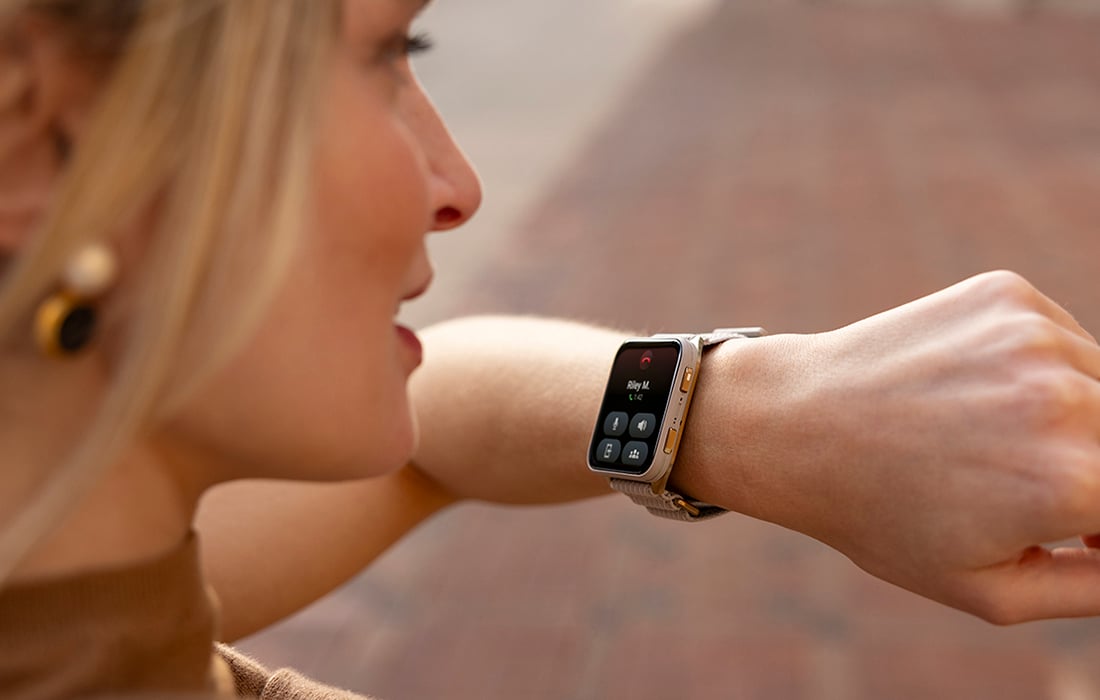
When connected to the LTE network, you can use your fēnix 8 or 9Pro to send 30-second voice messages, make and take phone calls, or send and receive text messages from other fēnix 8 or 9 Pro or Garmin Messenger™ app1 users.
Plus, safety-enhancing features, like LiveTrack and incident detection, on inReach-capable smartwatches work with the LTE network so you can leave your phone behind. Your LiveTrack location (if available) as well as incident detection alerts and notifications can be sent directly from your wrist.
When you activate an SOS alert on your fēnix 8 or 9 Pro, it sends a message over satellite or cellular connectivity to Garmin Response℠, our 24/7 international emergency coordination center that can connect you to help if you need it2.
Ultimately, running is about freedom. When you’re equipped with a Garmin running and triathlon watch with safety-enhancing features, you can focus on the challenge — and worry less.
1Active plan required; LTE network coverage is not available in all regions. Satellite connection and SOS functionality on this device have important limitations compared to other inReach devices that could affect the performance of connected features, making them unavailable in certain situations. Check Garmin.com/fenix8profeaturerequirements for requirements and limitations and to see which services are accessible in your area — or in areas to where you may be traveling to ensure the performance, coverage and service levels of this device are suitable for your intended use.
2When paired with your smartphone; see Garmin.com/ble. For safety and tracking feature requirements and limitations, see Garmin.com/safety.