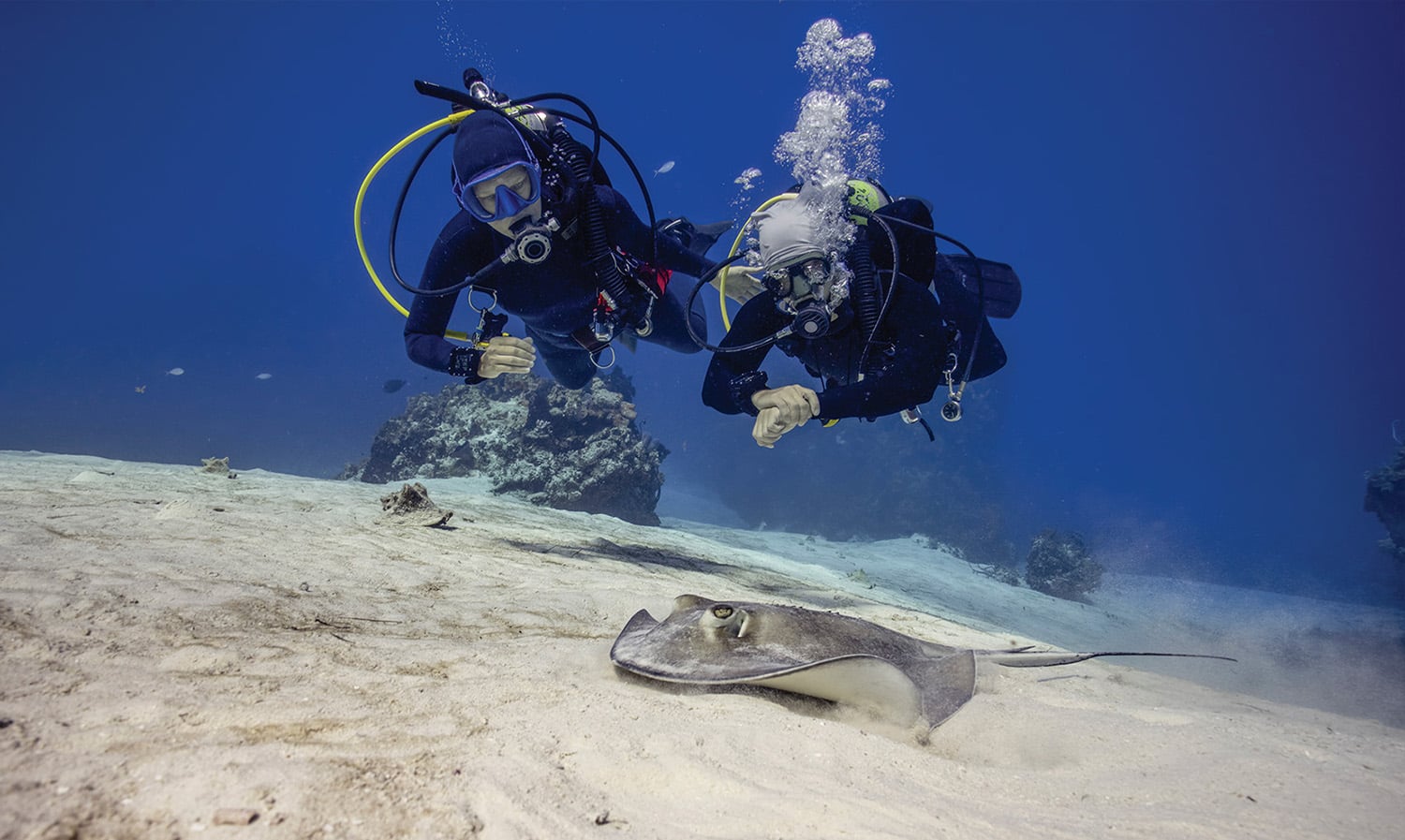
Your Essential Deep-Sea Guardian: How to Choose the Perfect Dive Computer?
When we dive into the azure ocean, the underwater world is breathtakingly beautiful. However, in an environment with an extremely low margin for error, a “Dive Computer” is universally recognized as the most indispensable life-saving gear, alongside your regulator and BCD. Whether you are a newly certified beginner or an experienced diver ready for advanced challenges, blindly chasing top-tier specs or compromising safety for a lower price can expose you to unnecessary risks.
How exactly should you choose a dive computer? And among the iconic members of the Garmin Descent family, which one is right for you? This guide will break it down comprehensively for you.
Why is a Dive Computer Your Underwater “Lifeline”?
Many newcomers to diving often have a misconception: “As long as I follow the Divemaster (DM) or instructor closely underwater, I don’t need my own dive computer.”. This is a very dangerous mindset regarding safety. Since everyone’s underwater depth, bottom time, air consumption, and ascent rate vary individually, the role of a dive computer is to provide “personalized” safety monitoring for you:
- Real-time No-Decompression Limit (NDL) Calculation: A dive computer accurately calculates how much longer you can stay at your current actual depth without needing a decompression stop, effectively preventing Decompression Sickness (DCS).
- Ascent Rate Alerts: When ascending too quickly (standard is usually no more than 9-18 meters per minute), the dive computer will alert you to slow down.
- Safety Stop Automatic Countdown: Upon ascending to a depth of 5 meters, the dive computer will automatically initiate a 3-minute countdown, ensuring that accumulated nitrogen is safely off-gassed from your body.
- No-Fly Time Indicator: This clearly displays the countdown time required for residual nitrogen to be fully metabolized before it is safe to board a flight, preventing decompression illness triggered by high-altitude, low-pressure environments.
4 Key Metrics for Choosing a Dive Computer
1. Supported Dive Modes
Are you focusing solely on single-gas scuba and nitrox diving, or do you practice both scuba and freediving? Advanced divers should look into whether the device supports technical diving or CCR (Closed Circuit Rebreather).
2. Display and Underwater Visibility
During night dives, wreck dives, or in low-visibility conditions, screen contrast and backlighting become absolutely critical. A vibrant AMOLED display or a large-font watch face can drastically reduce the time it takes to check your critical data when you’re under stress underwater.
3. Tank Pressure and Underwater Communication
Do you need to connect a wireless transmitter? High-end models can even monitor your dive buddy’s tank pressure and depth underwater, significantly boosting overall team safety.
4. Daily Wear and Cross-Sport Integration
Do you want a pure, dedicated dive instrument? Or a versatile smartwatch that fits your daily commute, running, golf, and hiking, while supporting smart payments for everyday convenience?
Garmin Descent Family: The Ultimate Specs Comparison
To meet different diving needs, Garmin has launched two completely different product forms: “Large-Screen Professional Square Computers (X Series)” and “Daily-Wear Round Display Smartwatches (Mk3i / G2 Series)”. The following table precisely compares the core differences:
 |  | 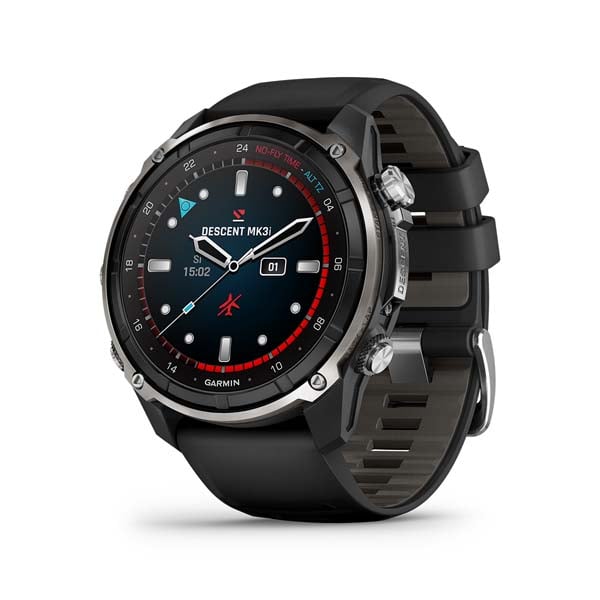 | 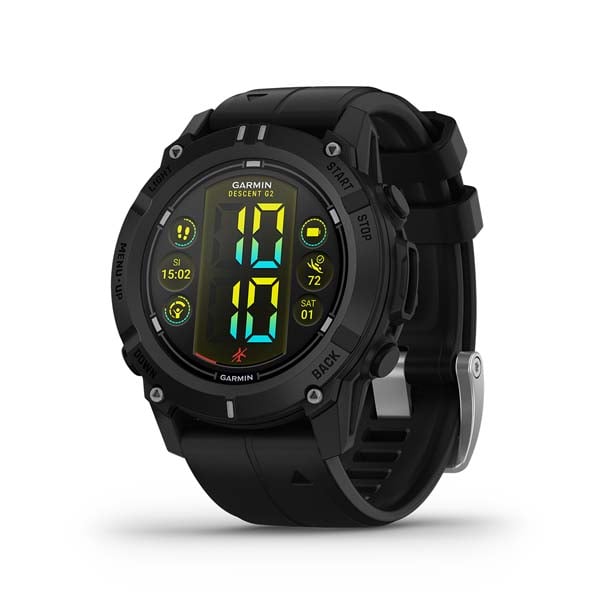 | |
|---|---|---|---|---|
| Core Specs / Positioning | Descent X30 Dive Computer | Descent X50i Dive Computer | Descent Mk3i Dive Smartwatch | Descent G2 Dive Smartwatch |
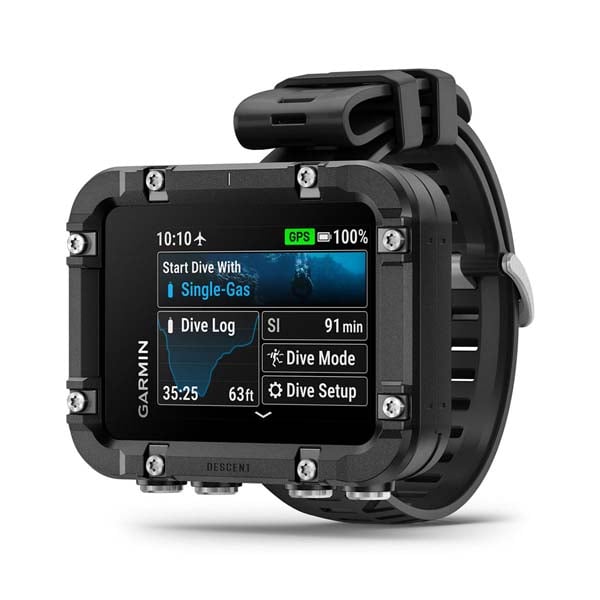
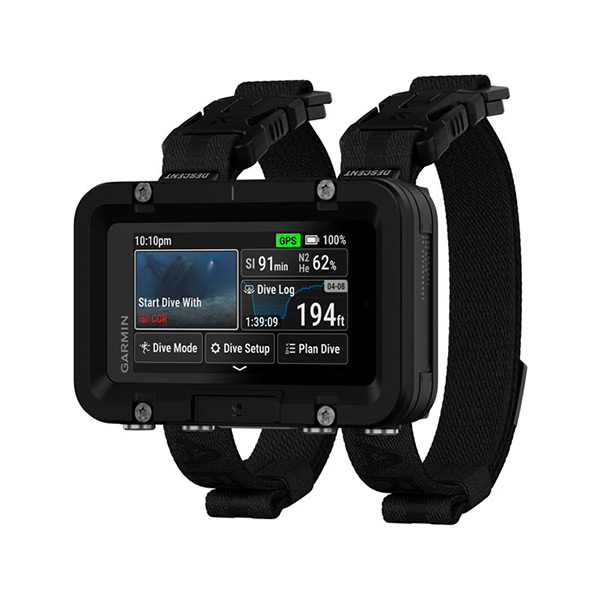
| Form Factor | 2.4″ LCD Color Square (4 physical buttons, no touch) | 3″ High-Res LCD Color Square (Surface touch, leak-proof metal buttons underwater) | 1.2″ / 1.4″ AMOLED Color Touch Round Watch (Buttons + Touch dual mode) | 1.2″ AMOLED Touch Round Watch (Buttons + Touch dual mode) |
| Water & Dive Rating | 10 ATM (100m) | 20 ATM (200m) | 20 ATM (200m) | 10 ATM (100m) |
| SubWave Sonar (Tank Pressure / Underwater Comms) | ❌ Not supported | Supports self/buddy pressure monitoring Pre-set underwater text messaging | Supports self/buddy pressure monitoring Pre-set underwater text messaging | ❌ Not supported |
| Underwater Color (DiveView Maps) |  Not supported Not supported | Built-in color bathymetric maps (Preloaded US/Europe; Asia/Southeast Asia requires paid subscription download) | Not supported | |
| Technical Diving (CCR) | ❌ Not supported | Fully supported | Fully supported | Fully supported |
| Land Multi-Sport & Smart Features | Core dive features only | Core dive features only | Premium all-around sports & health tracking (Includes Garmin Pay contactless payment) | All-around sports & health tracking (Includes Garmin Pay contactless payment) |
Island Hopping and Deep Sea Exploration: Which Model Fits Your Scenario?
Based on different dive frequencies, budgets, and lifestyles, here are the best recommendations for you:
Scenario A: “Pro Tech Divers / Instructors” seeking ultimate safety and underwater teamwork
- Recommended Model: Descent X50i Dive Computer
- Reason: Featuring a large 3-inch high-resolution color touchscreen, reading data is extremely clear. The 20 ATM leak-proof pressure-sensitive structure perfectly meets the depth needs of advanced divers. Most crucially, the “i” indicates SubWave sonar technology, which, when paired with the Descent transmitter, allows you to simultaneously monitor your and your buddies’ tank pressures, and even send pre-set text messages underwater. It is the most robust and reliable “underwater control center” for deep-sea exploration.
Scenario B: “Top Executives / Cyclists / Golfers / Outdoor Enthusiasts” looking for an all-in-one lifestyle watch
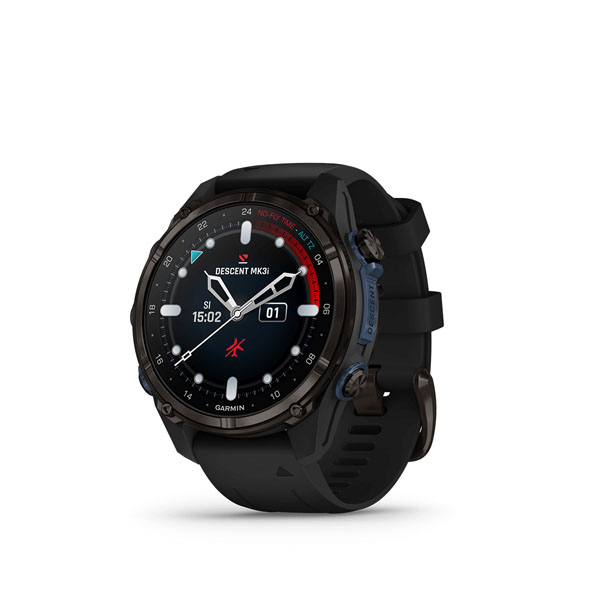
- Recommended Model: Descent Mk3i Dive Smartwatch
- Reason: Whether wearing a suit to work, attending business events, cycling on weekends, playing golf, or challenging yourself with mountain hiking and trail running, the premium AMOLED round watch design of the Descent Mk3i perfectly integrates into your daily life. Once underwater, it instantly transforms into an advanced dive computer watch equipped with full-color DiveView bathymetric maps. It also supports underwater pressure monitoring and communication, pushing the integration of “tech hardware” and “lifestyle taste” to the absolute ceiling.
Scenario C: “Leisure Island-Hopping Divers” on a budget needing a large display
- Recommended Model: Descent X30 Dive Computer
- Reason: Although it does not support tank transmitters or technical diving modes, the Descent X30 inherits the advantages of the X series’ large screen, allowing you to grasp dive data at a glance on its 2.4-inch display. For night dives, murky waters, or older divers and instructors needing extremely clear, large-font No-Decompression Limit (NDL) readings, this is a highly price-competitive and professional choice focused on core diving features.
Scenario D: “Young Professionals” who are newly certified and practice both Scuba and Freediving
- Recommended Model: Descent G2 Dive Computer
- Reason: If you have just entered the diving community, primarily do recreational scuba or freediving, and want to keep your budget reasonable, the Descent G2 is the best starting point. It not only features a bright AMOLED screen with a dual button-and-touch mode, making underwater reading and land operations more intuitive, but it is also a fully functional dive computer (including support for CCR and multi-gas modes). Daily, it provides 24/7 heart rate and sleep score tracking, and you can even use Garmin Pay for contactless payments during your commute, taking comprehensive care of your sea and land lifestyle.
💡 Extended Reading: Explore Garmin Dive Science & Top Technologies
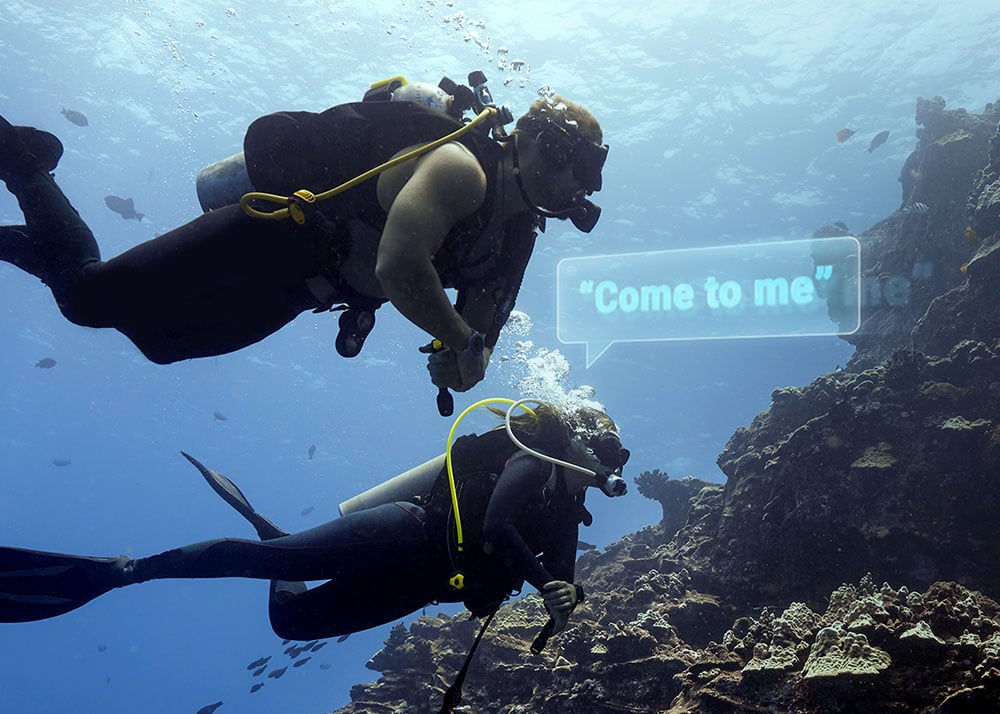
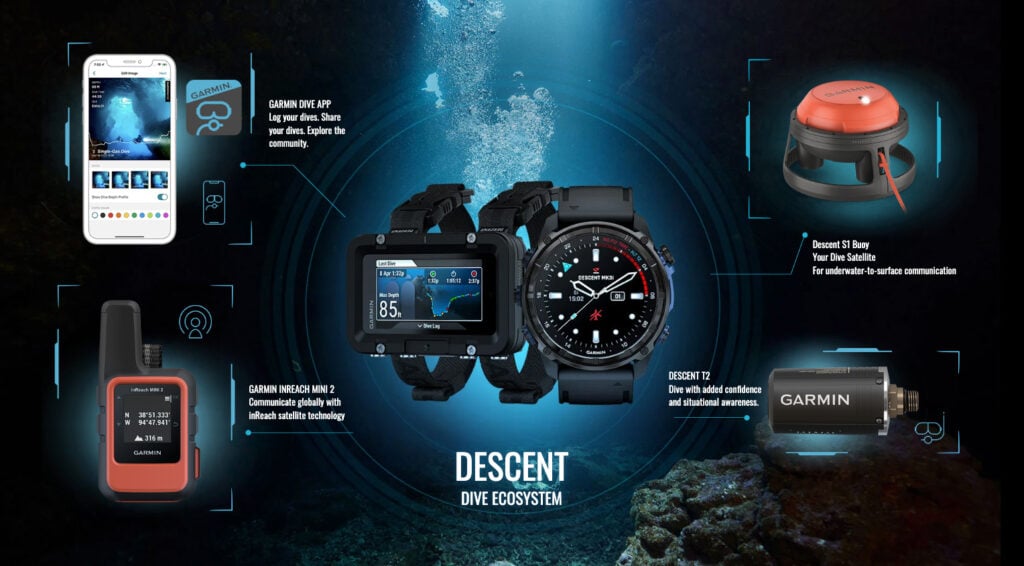
Want to dive deeper into the black tech behind dive computers? Garmin’s Dive Science not only guides you on an exciting diving journey but also keeps you connected with your buddies and the world above while underwater through its cutting-edge ecosystem.
- Built for Diving: Designed with high-quality and top-tier materials, it is rugged, durable, and corrosion-resistant, making it perfect for extreme diving environments and daily wear.
- SubWave Underwater Communication Technology: A revolutionary sonar system developed by Garmin that instantly transmits crucial data, such as tank pressure and buddy information, to your dive computer while underwater.
- Garmin Dive App: Helps you comprehensively log and review all your dive activity data, explore new dive sites, and share your exclusive dive logs with the diving community.
🎬 Video Extended Reading: Garmin Descent Series – Exploring the Ocean
Want to dive deeper and longer? Or yearning to witness the incredible beauty of the azure ocean? Every descent brings ever-changing wonders, but one thing remains constant: knowing your limits and safely returning to the surface. That is why, as a dive lover, you should experience it with a Garmin dive computer watch.
If you want a more concrete look at how each watch operates in real life, or if you just got one and want to learn how to use it, Garmin’s official YouTube channel has curated an exclusive video playlist. It covers:
- Comprehensive Watch Showcases: Get a quick overview of popular models like the Descent Mk3 series and G2.
- Practical Operation Tutorials: From basics like “Getting Started & Diving Basics,” “Pairing the Dive Watch with the Transmitter,” and “Tank Pressure Monitoring Setup,” to advanced real-life tutorials on “Decompression Diving,” “Freediving Setup,” and “Dive Site Navigation”.
- Care & Maintenance: Learn how to clean and maintain your dive computer watch, change transmitter batteries, and even adjust metal strap lengths to extend gear life.
Conclusion:
When it comes to dive computers, “It’s better to over-spec than compromise on your budget.” Before choosing, ask yourself: Do I need wireless air integration? Do I want to wear it daily? Let the Garmin Descent family be your most solid backup for exploring inner space, accompanying you safely into the water and safely back to shore.