Which Garmin chartplotter should I pair with my LiveScope?
When shopping for chartplotters that will work well with your LiveScope unit, there are four factors to consider.
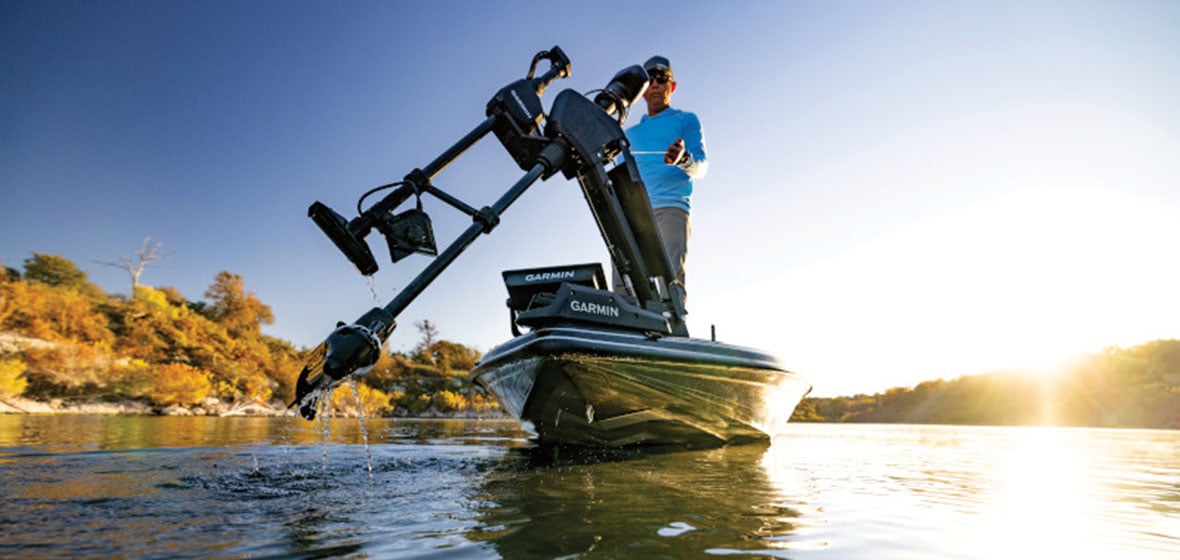
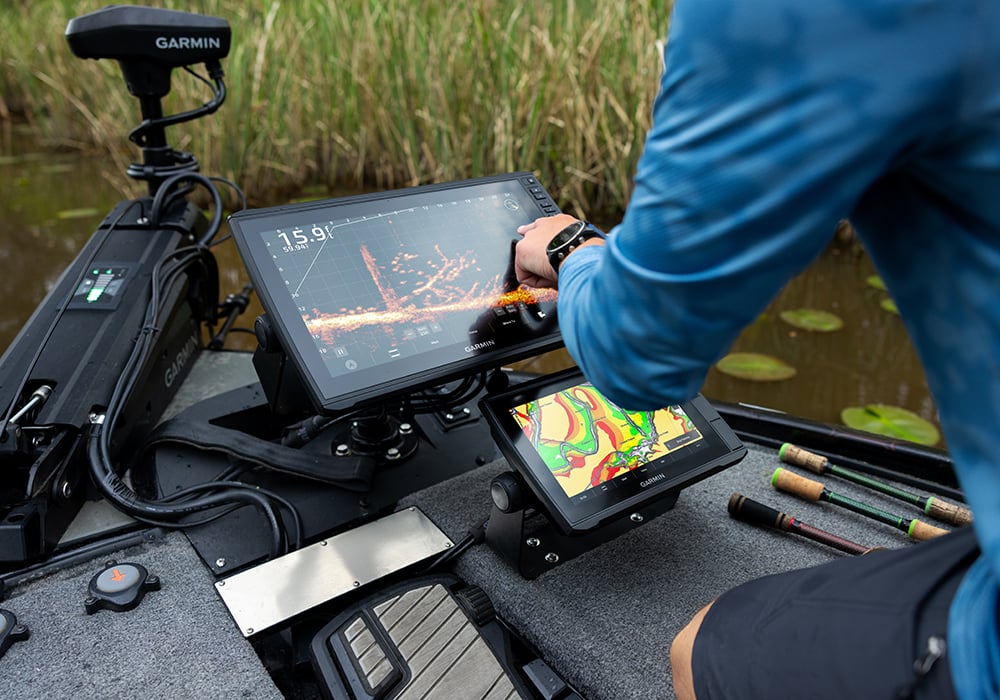
Garmin LiveScope™ has changed the fishing game. Not only are anglers able to be more efficient on the water, but locating cover where fish might be has never been easier. Plus, seeing them move below you is pretty remarkable. Using forward, down or perspective mode, see exactly what’s happening under the water in real time, from the point your lure drops to the moment the fish decides it’s curious enough to take a bite.
That said, LiveScope doesn’t operate on its own. The chartplotter you pair it with is where you’ll get that real-time picture — and how you’ll cash in on that crystal clarity that live sonar can provide. Wondering exactly which Garmin chartplotter you need to get the most out of your Garmin LiveScope? Consider resolution, screen size, sonar support and installation when finding your preferred chartplotter.
1. Resolution
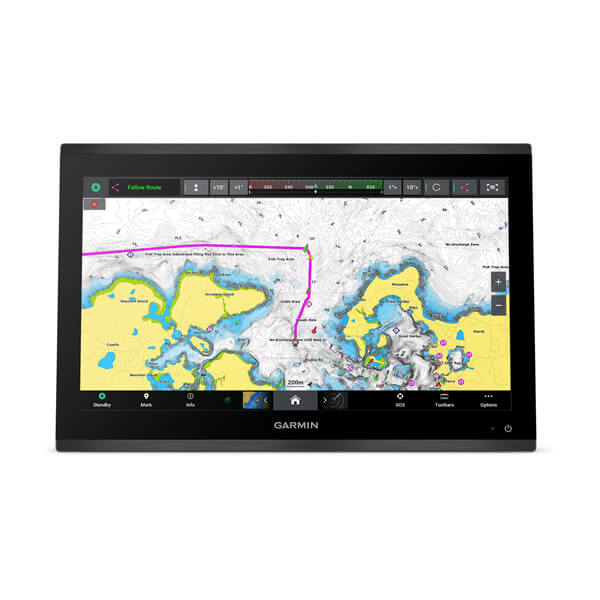
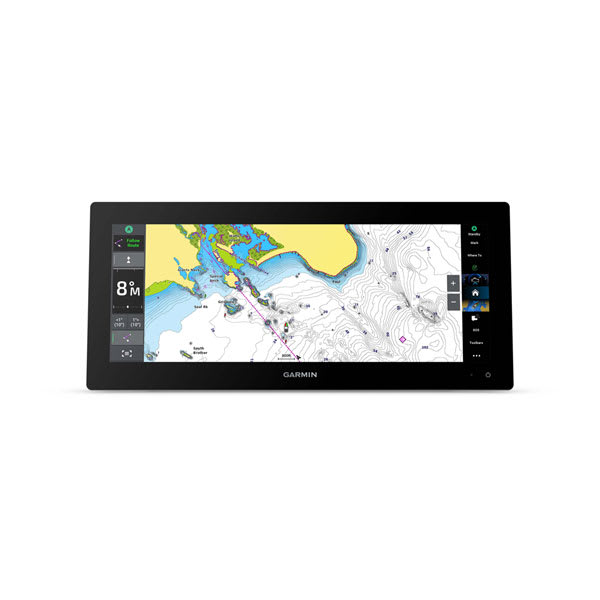
Resolution is a big component. A higher-resolution unit gives a better picture. Which is, of course, the point of using LiveScope technology in the first place. The better you can see the sonar returns, the better chance you have of success. For the highest resolution, consider the GPSMAP® 9000 series or GPSMAP 9000xsv series. At 3840 x 2160 pixels, the 4K resolution is top-notch. Need a more cost-effective option that still delivers excellent LiveScope performance? The GPSMAP x3 series offers full HD resolution (1920 x 1080 pixels) with outstanding sonar capability and premium networking features.
With up to 1920 x 1080 pixels, the ECHOMAP™ Ultra 2 series is also a contender that plays well with LiveScope — and those looking for a still-impressive resolution at a lower price point might consider the ECHOMAP UHD2 9” with 1024 x 600 pixels.
2. Screen size
Hand-in-hand with a high resolution is, of course, a screen big enough to see it. Screen sizes can be a matter of personal preference, as well as a matter of practicality, when taking into consideration your budget and the size of your boat. A general rule of thumb is that bigger is better to see below the surface in maximum clarity and detail using LiveScope sonar returns. Garmin chartplotter screen sizes range from 6” (the ECHOMAP UHD2 6”) up to 27” (the GPSMAP 9027), so there’s sure to be the perfect screen size for everyone.
3. Sonar support
When it comes to upping your angling game, you need sonar that gives you a broader scope of your surroundings before homing in with live sonar. In addition to LiveScope support, select Garmin chartplotters also offer high-definition scanning sonar. When bundled with a transducer or built-in sonar, GPSMAP 9000xsv, ECHOMAP Ultra 2 and ECHOMAP UHD2 series chartplotters include CHIRP and scanning sonar.
A staple of CHIRP sonar, see iconic fish arches in greater target separation. Before locking in on fish, use scanning sonar (such as ClearVü™, SideVü™ and OneVü™) to get the lay of the land — or water in this case. Find brush piles and other structure where fish might be hiding. Add a GT360UHD transducer and Spy Pole™ to get a 360-view of the water beneath you with OneVü.
4. Installation and wiring
If you want to get the most out of your LiveScope unit, proper installation is key and we recommend two things: good, marine-grade wire and good wire size.
For quality, high-resolution LiveScope imagery, it’s recommended you have a 10-gauge wire running from the bow to the back of the boat. Another pro tip, you’ll need more wiring than you think. For example, if you measure 15’ between where your LiveScope is mounted and the battery source, it’s really a 30’ run. Because the current runs from the battery back to the LiveScope unit, you’ll need 30’ of wiring.
If you’re looking for the perfect chartplotter to pair with your LiveScope, look for a combination of good resolution and a screen size that fits both your budget and your boat — and make sure you’ve got the additional sonar support, wiring and battery to go with it.