How Garmin helps you run with peace of mind
Let’s be honest: As great as outdoor running is for your mind and body, it’s important to keep safety in mind. Maybe you lead a busy life, and you only have time to run when it’s dark out. Or maybe you’re training for a longer race, such as 10K, and your routes lead pretty far from home. We don’t like to think about it, but situations like these have the potential for an accident.
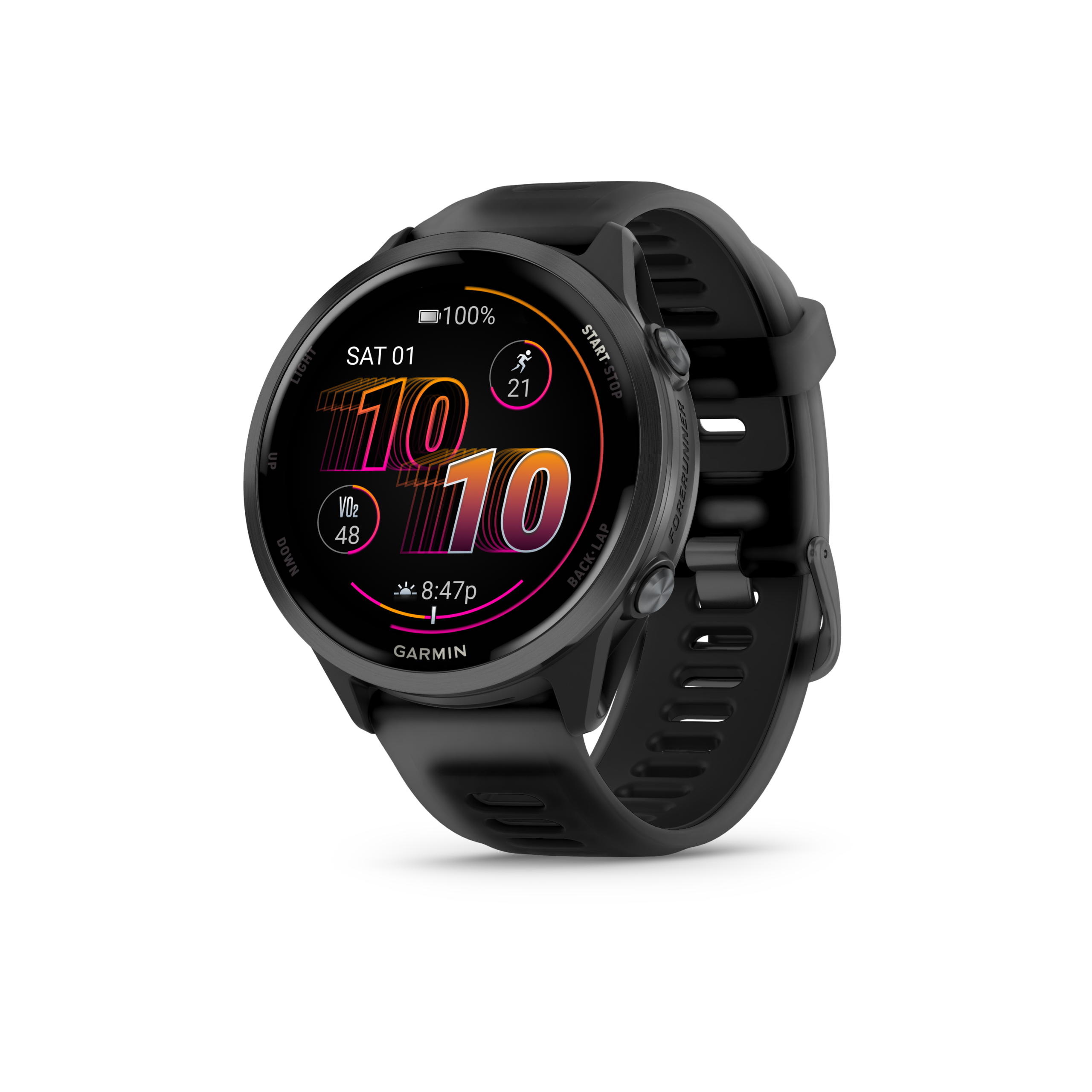
That’s why our running watches have features such as LiveTrack and incident detection and assistance. Plus, with LTE connectivity on select wearables, you’ll remain connected — even without your phone1.
What is LiveTrack?
LiveTrack creates a real-time view of your location when you’re out running or doing any timed activity so friends and family can follow along wherever you are. This isn’t just a great way for your biggest fans to cheer you on every step of the way on race day, but it also helps give you and your loved ones peace of mind while you’re training.
To start a LiveTrack session, pair your compatible Garmin device with the free Garmin Connect™ mobile app and enable LiveTrack for your timed activity. When you select Auto Start, all future timed activities on that device will automatically start a LiveTrack session. With a Garmin Connect+™ plan, your friends and family will now be notified via text when you start an activity on a compatible device. You can also create a personalised LiveTrack profile page for followers and fans.
Once you’ve started a LiveTrack session, your device will automatically send a link to the contacts you’ve identified via email, text or GroupTrack. Through this link, they can view a webpage that displays a map with the current location of your phone or connected device.
What is Incident Detection and Assistance?
Garmin running watches that feature incident detection can sense when there is a drastic change in movement while recording a timed GPS activity2. In short, it can tell if you’ve fallen or had an accident. If an incident occurs, the Garmin Connect mobile app on your paired smartphone or your fēnix 8 Pro can send automated text message and emails with your name and GPS location to up to three of your emergency contacts.
When a potential incident is detected, a message appears on your device and paired smartphone that lets you know your contacts will be informed after 30 seconds have elapsed. You can cancel the automated emergency message if assistance isn’t needed.
To enable incident detection on your smartphone, you must first pair your device with the Garmin Connect app and set up your emergency contact list. When you run, you must have your phone with you for the incident detection notification to be triggered and sent to your contacts. Your phone must be equipped with a data plan and remain in an area of network coverage where data is available. Lastly, emergency contacts must be able to receive text messages (standard text messaging rates may apply).
What about LTE connectivity and SOS messaging capabilities?
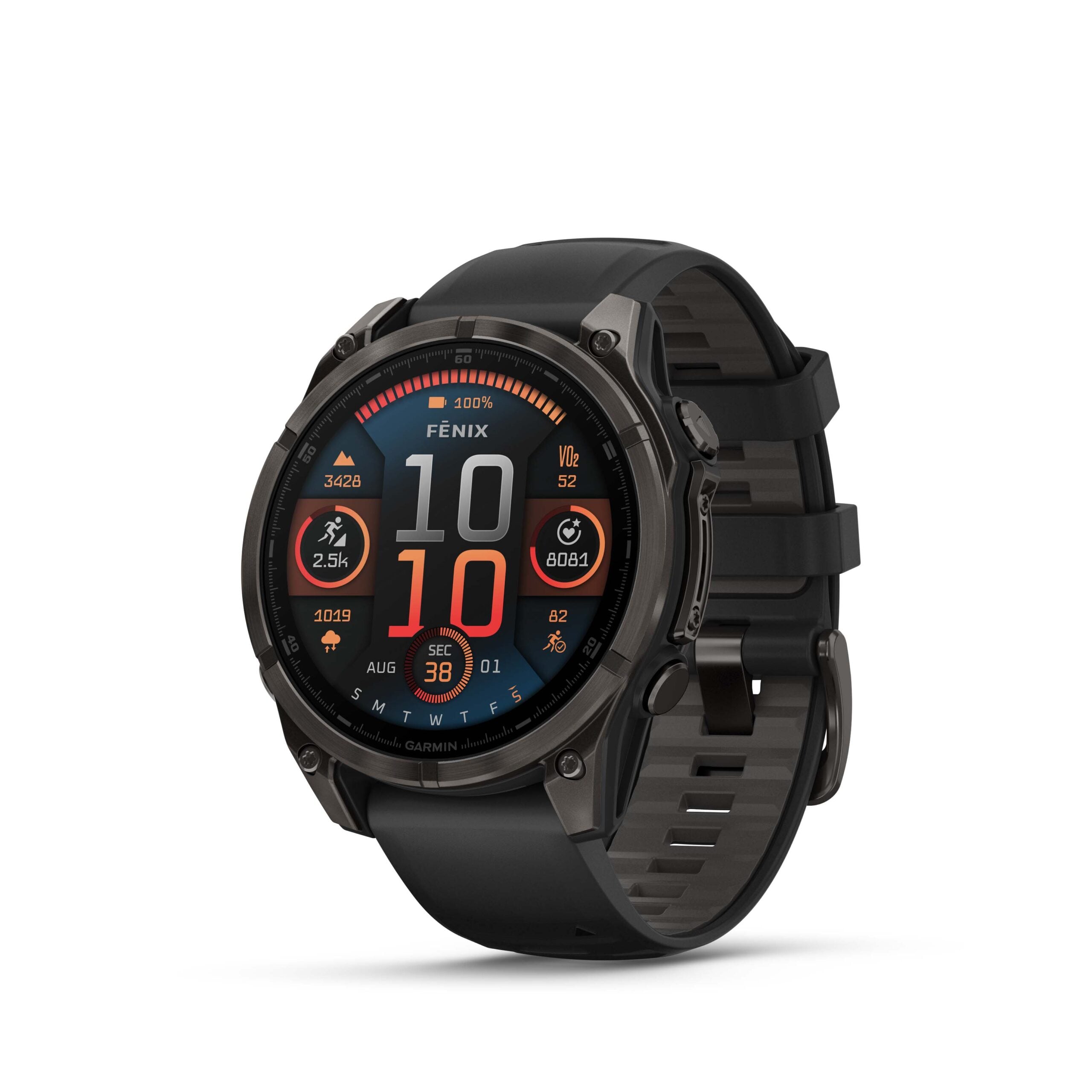
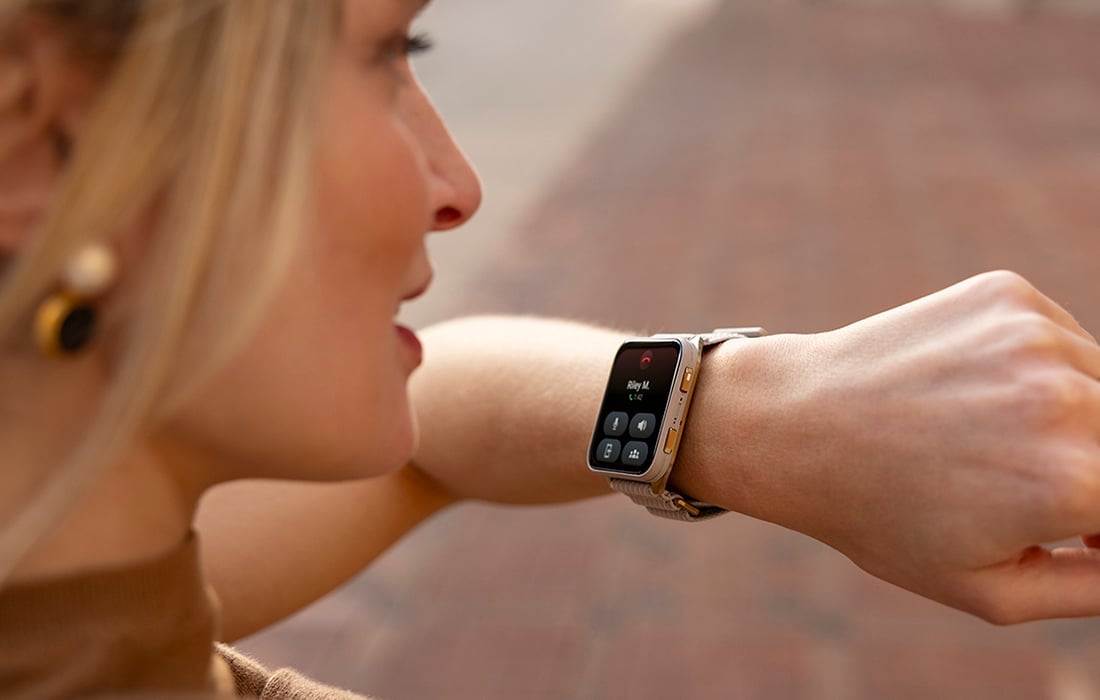
When connected to the LTE network, you can use the fēnix® 8 Pro premium GPS smartwatch to send 30-second voice messages as well as make and take phone calls from other fēnix 8 Pro users or those using the Garmin Messenger™ app on their smartphone1. Plus, LiveTrack also works with the LTE network, so you can leave your phone behind while you run. If you’ve had an accident, incident detection can be triggered and your contacts can be notified directly from the fēnix 8 Pro over the LTE network.
With inReach® technology for watches, you can send and receive text messages with friends and family using the Garmin Messenger app on their smartphone or compatible Garmin smartwatch1. When you trigger an SOS message on your fēnix 8 Pro, it sends a message over satellite or cellular connectivity to Garmin Response℠, our 24/7 international emergency coordination centre that connects you to help if you need it2.
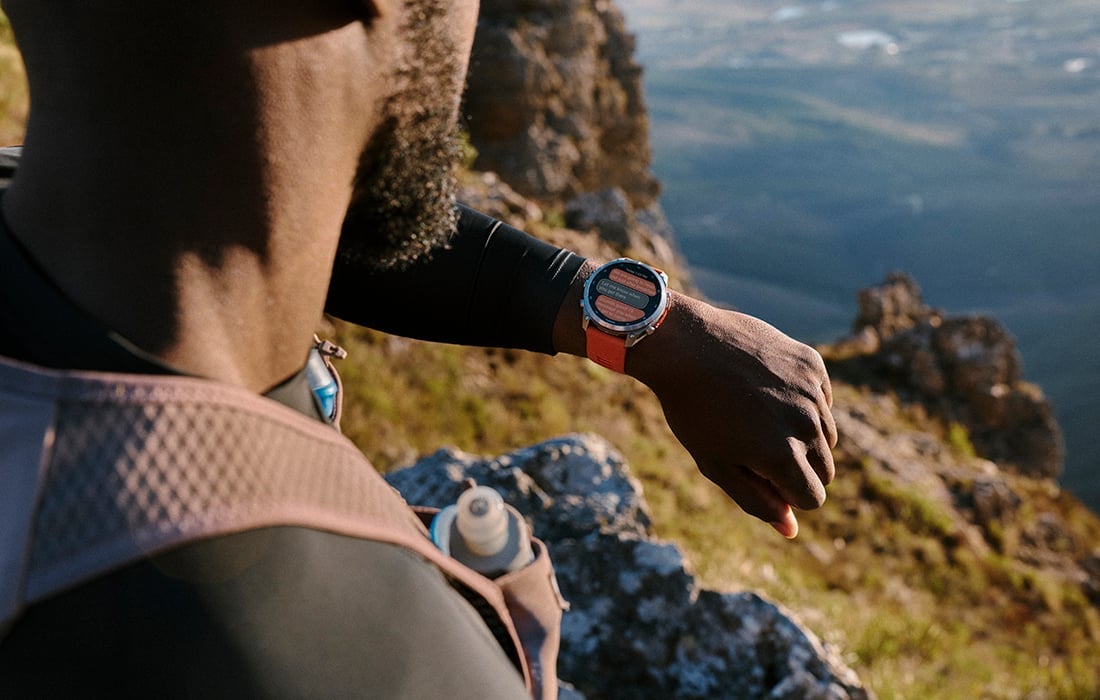
Ultimately, running is about freedom. When you’re equipped with a Garmin running and triathlon watch with peace of mind features, you can focus on the challenge — and worry less.
1Active subscription required; LTE network coverage and satellite connectivity are not available in all countries. Check Garmin.com/fenix8ProCoverage to see which services are accessible in your area — or in countries to where you may be traveling; some jurisdictions regulate or prohibit the use of satellite communication devices. It is the responsibility of the user to know and follow all applicable laws in the jurisdictions where the device is intended to be used.
2Some devices require a paired smartphone, while others do not. For safety and tracking feature requirements and limitations, see Garmin.com/safety. Incident detection is available only for select outdoor walk, run, and bike activity profiles.