Improve your swim training with Garmin
Want to easily track your distance, pace yourself, improve your training, and more? Here’s how Garmin smartwatches can help swimmers
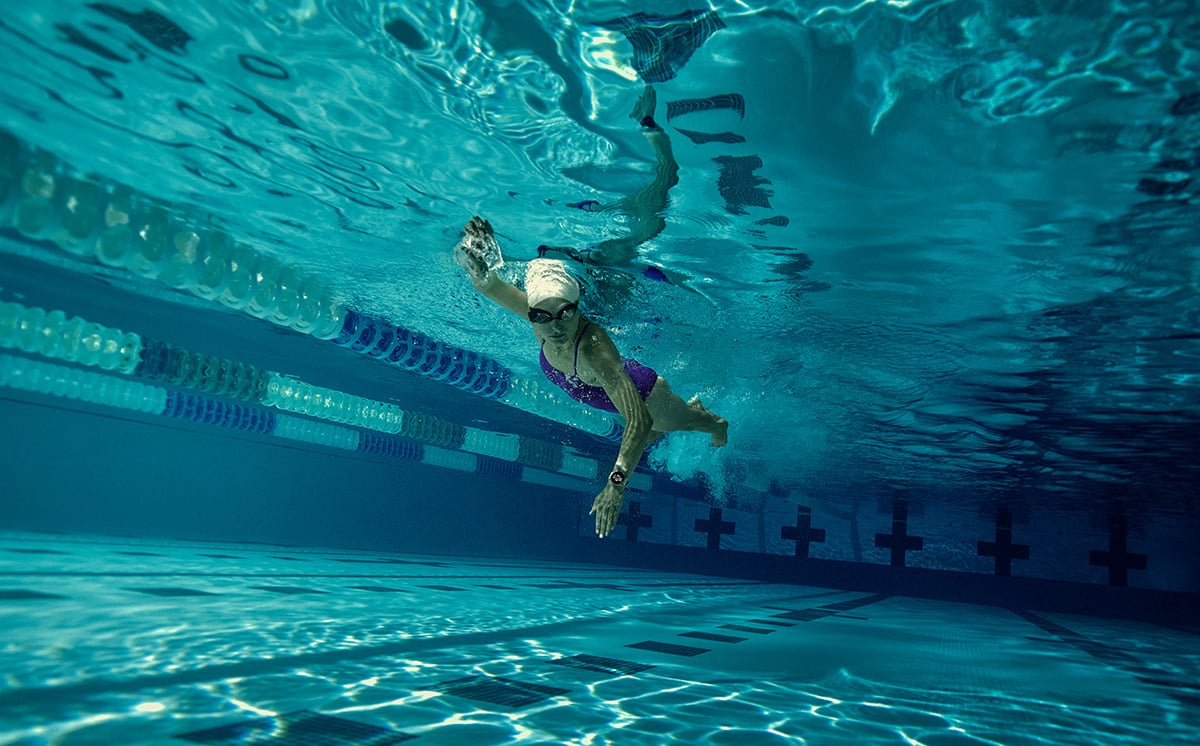
Recreational swimmers and athletes alike spend countless hours in the pool year-round. Whether refining their technique or pushing through high-intensity interval workouts, dedicated swimmers are always looking for ways to improve.
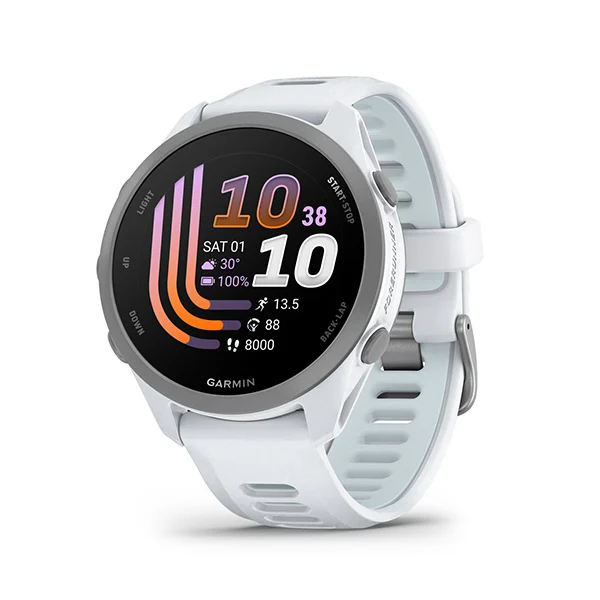
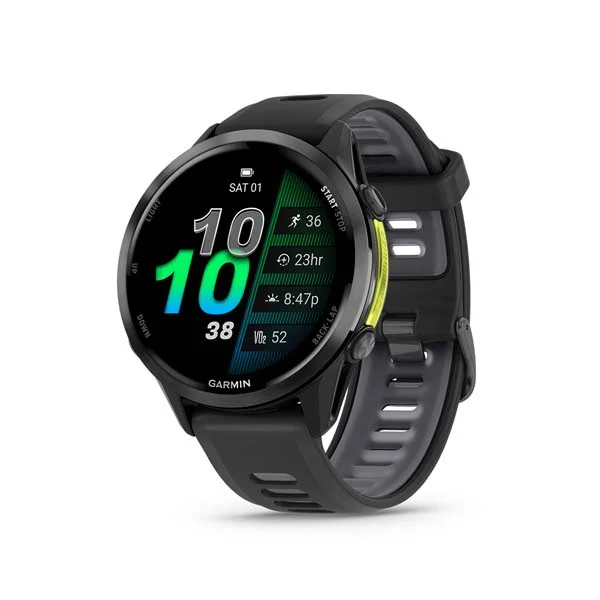
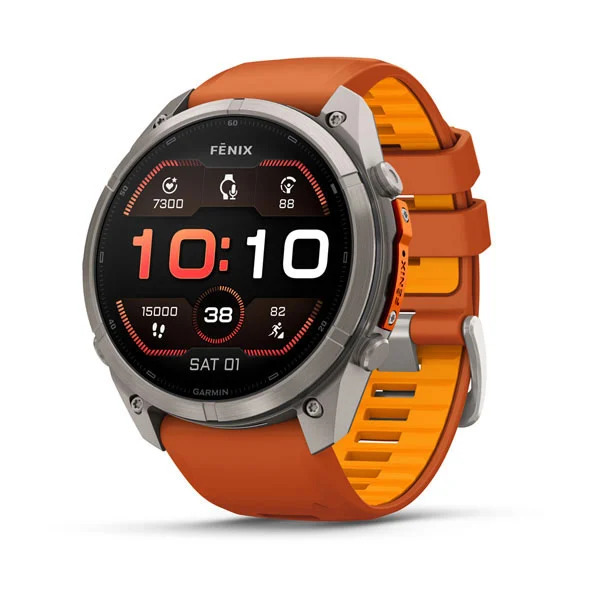
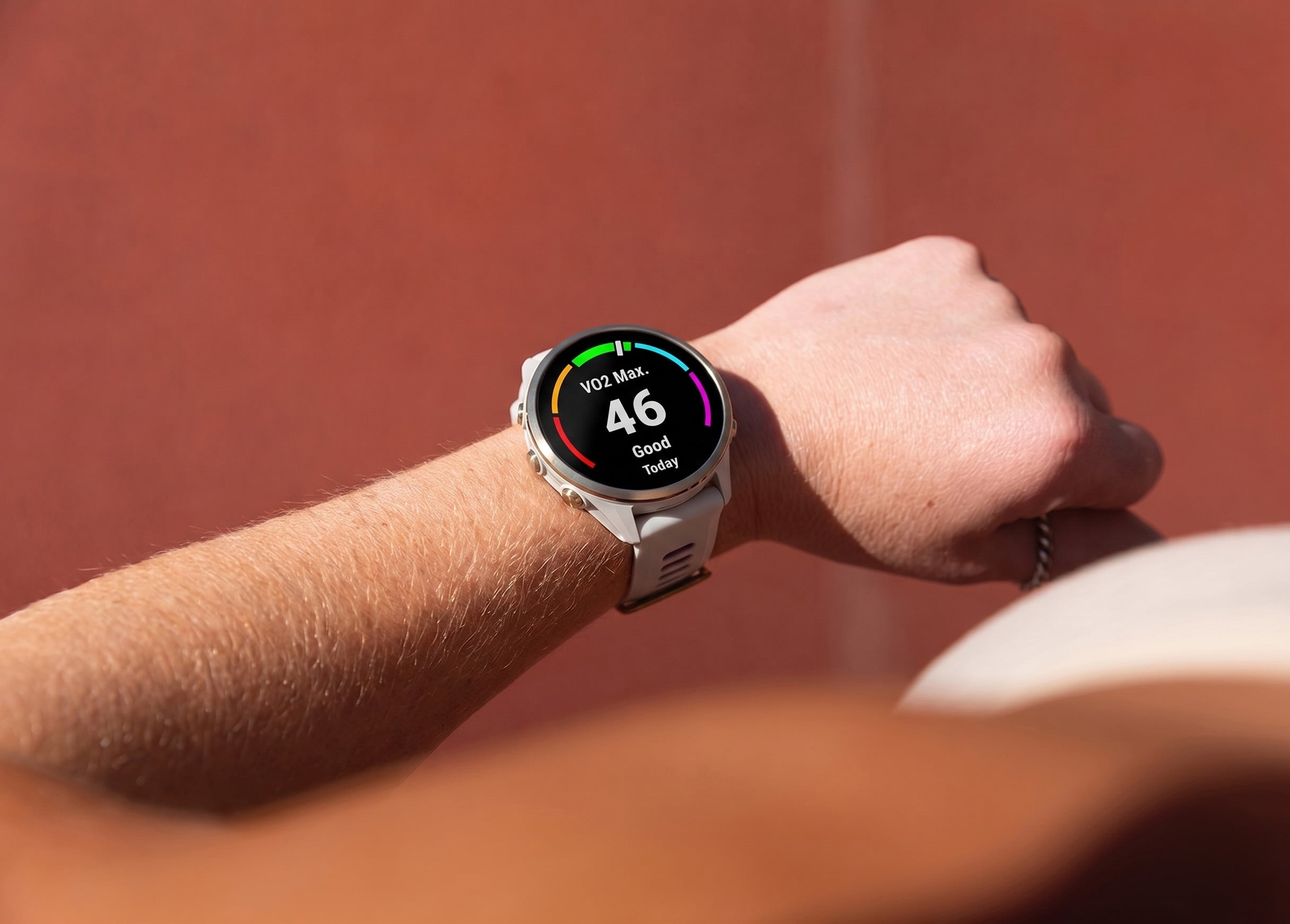
If your goal is to improve your distance, times or technique, Garmin has multiple multisport GPS smartwatches with dedicated swim features, such as select fēnix and Forerunner smartwatches, to optimize daily training and race-day performance.
Let’s dive into the features that make Garmin smartwatches a powerful training partner in the water.
Know your distance
Tired of counting laps? Your Garmin swim watch can do it for you.
Enter your pool size and your compatible smartwatch will automatically calculate and track the distance you swam.
Swimmers can’t always look at their watch mid-swim, which is why you can set up customizable distance alerts to notify you with a long tone and vibration on your last length. Many swimmers use an alert every four lengths to help them keep track of their distance.
Training with intervals and rest monitoring
Interval training is an effective way to improve your swimming by combining different distances and intensities to build endurance, technique and speed. That’s why your swimming smartwatch has two styles of rest timers for effective training and rest monitoring.
With auto rest enabled, your Garmin smartwatch will automatically detect when you’re in motion or when you’ve stopped to recover. The watch timer starts and stops based on your movement so you can focus on your workout instead of managing your timer.
For the most precise interval timing or for rests shorter than 10 seconds, simply press the Lap button to start and end rest periods. Want to get set into position before pushing off the wall? Turn on Countdown Start and the interval timer will begin as you leave the wall.
To get the most out of your workouts, it’s important to monitor your rest time, which is why your Garmin device gives you two options. If you’re aiming for a certain amount of rest between efforts, your Garmin smartwatch will display your rest time. If you’re training by send-off time, the timer will count up from the start of your last interval. So, if your goal is 8×100 meters on a two-minute sendoff time, rest until the timer gets to two minutes and then push off again.
Pacing yourself
Going for a long interval and curious if you’re on track to hit your target pace? Pacing alerts are your answer.
To ensure you’re hitting your ideal split, enter your target pace and your watch will alert you at each turn, signaling when you should be turning and pushing off the wall. If it alerts you before you’ve completed your turn, you’re behind your target pace. If it alerts you after you’ve pushed off, you’re ahead of pace. For those looking for even splits, this might be your signal to slow down. But if you’re looking to achieve a negative split, you’re in a great position to do so.
Depending on your workout and goals, easily mute or adjust pacing alerts.
Swim drills
Improving your technique often means isolating elements of your stroke, such as body position and rotation, your catch, pull, and recovery phases, or your kick mechanics, and building muscle memory by repeating them until they become second nature. But when you deviate too far from any of the four standard stroke types, it can affect the accuracy of your smartwatch’s tracking. That’s where drill mode comes in.
Drill mode allows you to ensure your distance is accurate when you’re doing kick sets, one-arm swim, catch-ups and more. Use the drill logging data screen and then follow the on-screen instructions for accurate time and distance data.
Confidence in your performance starts with a Garmin smartwatch. Browse our lineup of smartwatches with dedicated swim features to round out your swim gear.