What Is HRV? Normal Range, Low HRV and How to Improve Heart Rate Variability
Getting enough sleep does not always mean waking up fully recovered. You may sleep for seven or eight hours yet still feel more tired than usual, or notice that a workout that normally feels manageable suddenly feels harder.
Heart rate variability, or HRV, is one metric that can provide additional context about how your body is responding to sleep, stress, exercise and recovery.
Unlike resting heart rate, HRV is not about how many times your heart beats per minute. It looks at the small differences in timing between individual heartbeats.
And when it comes to HRV, higher is not automatically better.
HRV varies considerably between people, so the most useful comparison is usually not your HRV versus someone else’s. Instead, look at how your HRV changes relative to your own normal range over time.
What Is HRV (Heart Rate Variability)?
Heart rate variability (HRV) refers to the variation in time between consecutive heartbeats, generally measured in milliseconds.
Your heart does not beat at perfectly even intervals. Even at a steady heart rate, the amount of time between one heartbeat and the next changes slightly.
These variations are influenced by your autonomic nervous system, including its sympathetic and parasympathetic branches, which help regulate how your body responds to activity, stress, rest and recovery.
HRV can therefore provide useful context about how your body is adapting to different physical and lifestyle demands.
For example, changes in HRV may occur after:
- Poor or insufficient sleep
- Increased training volume
- High physical or psychological stress
- Alcohol consumption
- Changes in daily routines
- Periods when your body needs additional recovery
HRV should not, however, be interpreted from a single reading alone. Looking at longer-term patterns usually provides more meaningful information.
Is There a Normal HRV Range?
There is no single normal HRV number that applies to everyone.
HRV can be influenced by factors such as age, fitness level, sleep, activity patterns and individual physiology. One person’s typical HRV may therefore look very different from another person’s.
Instead of aiming for a universal target, it is more useful to establish your personal HRV baseline and observe how your HRV changes relative to that range.
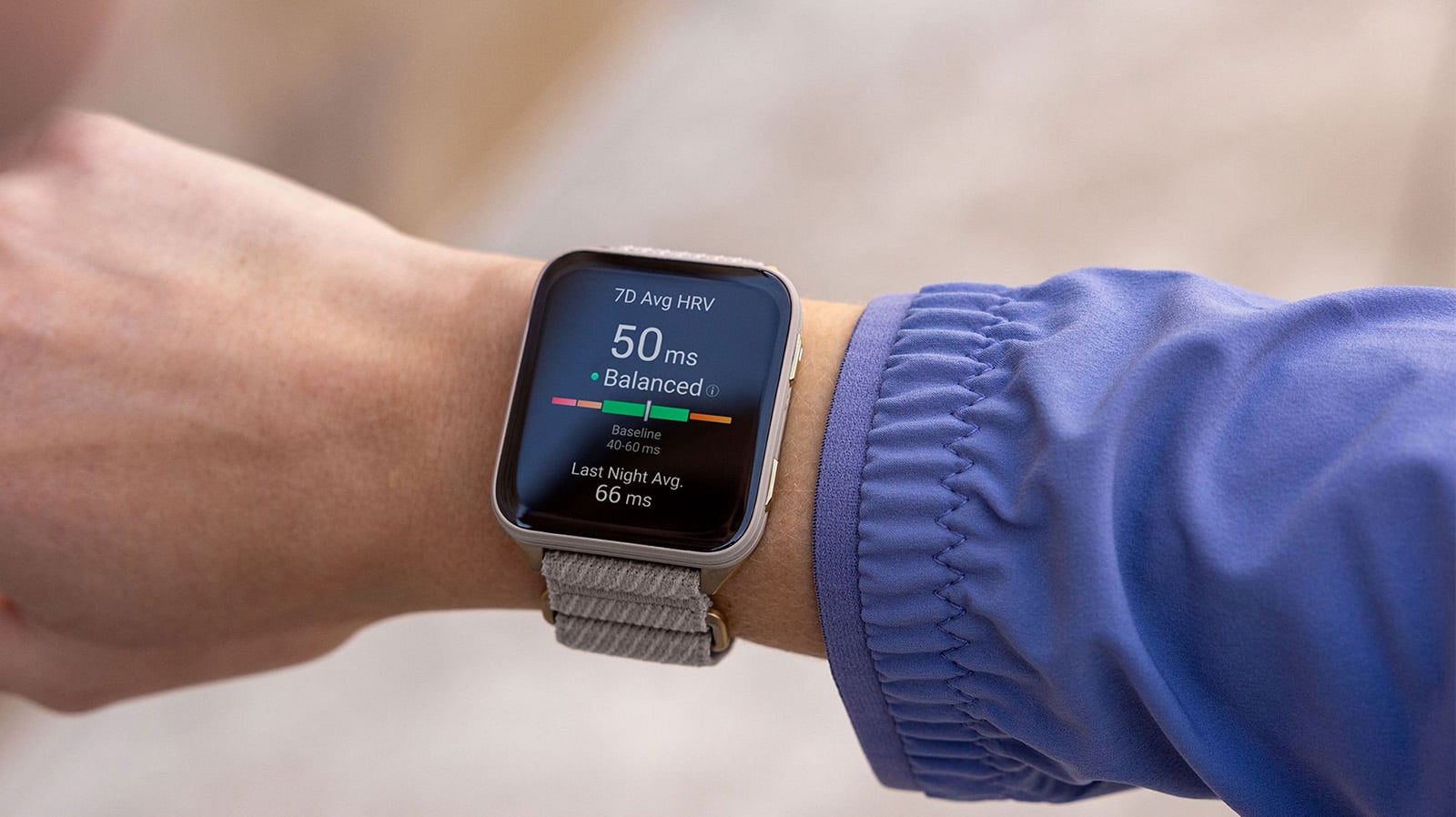
Compatible Garmin devices can monitor overnight HRV and help establish your personal baseline over time.
Related reading: Understanding the HRV Status on Your Garmin Smartwatch explains in more detail how Garmin HRV Status uses your overnight HRV, 7-day average and personal baseline to help you understand longer-term trends.
You can also learn more from the Garmin HRV Status technology page.
Why Is My HRV Low? 4 Factors That Can Affect Heart Rate Variability
Seeing a lower-than-usual HRV does not automatically mean something is wrong.
HRV changes naturally, and temporary decreases can occur for many reasons. Instead of focusing on one night’s result, consider what has changed recently in your sleep, training, stress and daily habits.
1. Stress and Lack of Sleep
Both physical and psychological stress can affect your autonomic nervous system.
Late nights, inconsistent sleep schedules, poor sleep quality or a demanding period at work may all be reflected in changes to your overnight HRV.
If your HRV is below your usual range, review it together with metrics such as your sleep duration, sleep score and stress data rather than interpreting HRV in isolation.
Learn more about how Garmin analyzes sleep on the Garmin Sleep Tracking page.
2. Increased Training Load and Insufficient Recovery
A hard workout, a sudden increase in training volume or several demanding training days in a row can temporarily influence HRV.
For athletes, this is one reason HRV can be useful when viewed alongside training load, sleep, recovery time, Training Readiness and how you actually feel.
Instead of treating a low HRV reading as an instruction to stop training, look at the larger pattern.
Related reading:
For an example of how HRV can change with exercise and fatigue, see An Alternative Reference Index to Monitor Fatigue – Heart Rate Variability (HRV).
3. Alcohol and Other Lifestyle Factors
Alcohol can influence sleep quality and overnight recovery, which may also be reflected in HRV.
Changes in caffeine intake, travel, meal timing or your normal daily routine can also contribute to fluctuations.
Rather than trying to explain every change immediately, compare your HRV with several days or weeks of sleep, stress and lifestyle data to identify recurring patterns.
4. Physical Stress or Feeling Unwell
When your body is dealing with increased physiological stress, your heart rate and HRV may differ from their usual patterns.
However, HRV is not a diagnostic tool.
A lower HRV alone cannot tell you whether you are sick or identify a medical condition. If unusual data is accompanied by symptoms or you feel unwell, seek advice from a qualified healthcare professional.
How to Use HRV With Sleep, Body Battery and Training Readiness
HRV becomes more useful when it is considered together with other information about your body.
Compatible Garmin devices combine physiological, sleep and activity data across several features to provide additional context about your recovery and readiness.

Morning Report
Morning Report can give you a quick overview of information collected overnight, including sleep and HRV Status on compatible devices.
Instead of opening several widgets individually, you can use the report to get an initial view of how your body recovered overnight.
Body Battery
Body Battery uses HRV, stress, sleep and activity data to estimate your body’s available energy and show how it changes throughout the day.
HRV and Body Battery should not be interpreted as identical metrics. HRV provides physiological data that contributes to understanding stress and recovery, while Body Battery combines several signals into an easier-to-follow view of your available energy.
Training Readiness
For athletes and people who train regularly, Training Readiness provides another layer of context.
Depending on your compatible device, Training Readiness considers factors such as:
This is why a single HRV value should not determine whether you complete a hard workout. Consider HRV together with your recent training, recovery metrics and how you feel.
How to Improve HRV? 4 Habits That Can Support Recovery
Instead of trying to make your HRV as high as possible, focus on habits that support recovery and help your HRV remain stable relative to your personal baseline.
1. Maintain a Consistent Sleep Schedule
Sleep is one of the most important opportunities your body has to recover.
Try to maintain reasonably consistent sleep and wake times and give yourself enough time for sleep each night.
A single good night may not immediately change a longer-term trend, so review your sleep and HRV over several days rather than looking at one night alone.
2. Balance Training and Recovery
Regular exercise is important for health and performance, but adaptation also requires recovery.
If your HRV remains below its usual range during a demanding training period, review your recent workload together with sleep, stress, recovery time and Training Readiness.
This can help you decide whether maintaining your planned workout, reducing intensity or prioritizing additional recovery makes the most sense.
3. Manage Everyday Stress
HRV can respond to stress outside of exercise as well.
Work deadlines, travel, lack of downtime and psychological stress can all affect how your body responds.
Relaxation techniques, controlled breathing and Garmin Breathwork activities on compatible devices can be useful additions to your recovery routine.
4. Pay Attention to Lifestyle Patterns
Your daily habits can influence both sleep and recovery.
Consider factors such as:
- Alcohol
- Caffeine
- Meal timing
- Travel
- Changes in sleep schedule
- Unusually demanding days
Look for repeatable patterns instead of drawing conclusions from a single HRV value.
Track HRV Consistently Over Time
One of the most important things you can do is collect consistent data.
Wear your compatible Garmin device while sleeping so that your overnight HRV can be measured under relatively consistent conditions.
Over time, your personal baseline and longer-term trends provide much more useful context than comparing a single night’s HRV with a friend’s, an athlete’s or an average value found online.
Watch: How to View Your HRV Status
Garmin HRV Status vs. Health Snapshot: What’s the Difference?
Garmin offers more than one way to view HRV-related information on compatible devices.
The two features serve different purposes.
| Feature | HRV Status | Health Snapshot |
|---|---|---|
| Measurement | Automatically collected during sleep | Manually started |
| Main purpose | Monitor overnight HRV and longer-term trends | Capture several health metrics at a specific time |
| HRV context | Personal baseline and longer-term trend | HRV recorded during the measurement session |
| Other metrics | Used alongside sleep and recovery data | Includes heart rate, HRV, Pulse Ox, respiration and stress on compatible devices |
| Best for | Following recovery trends | Recording several physiological metrics at one point in time |

If your goal is to understand how Garmin HRV Status establishes your baseline and interprets your 7-day average, see our dedicated guide:
Understanding the HRV Status on Your Garmin Smartwatch
For Health Snapshot compatibility and instructions, visit Garmin Support.
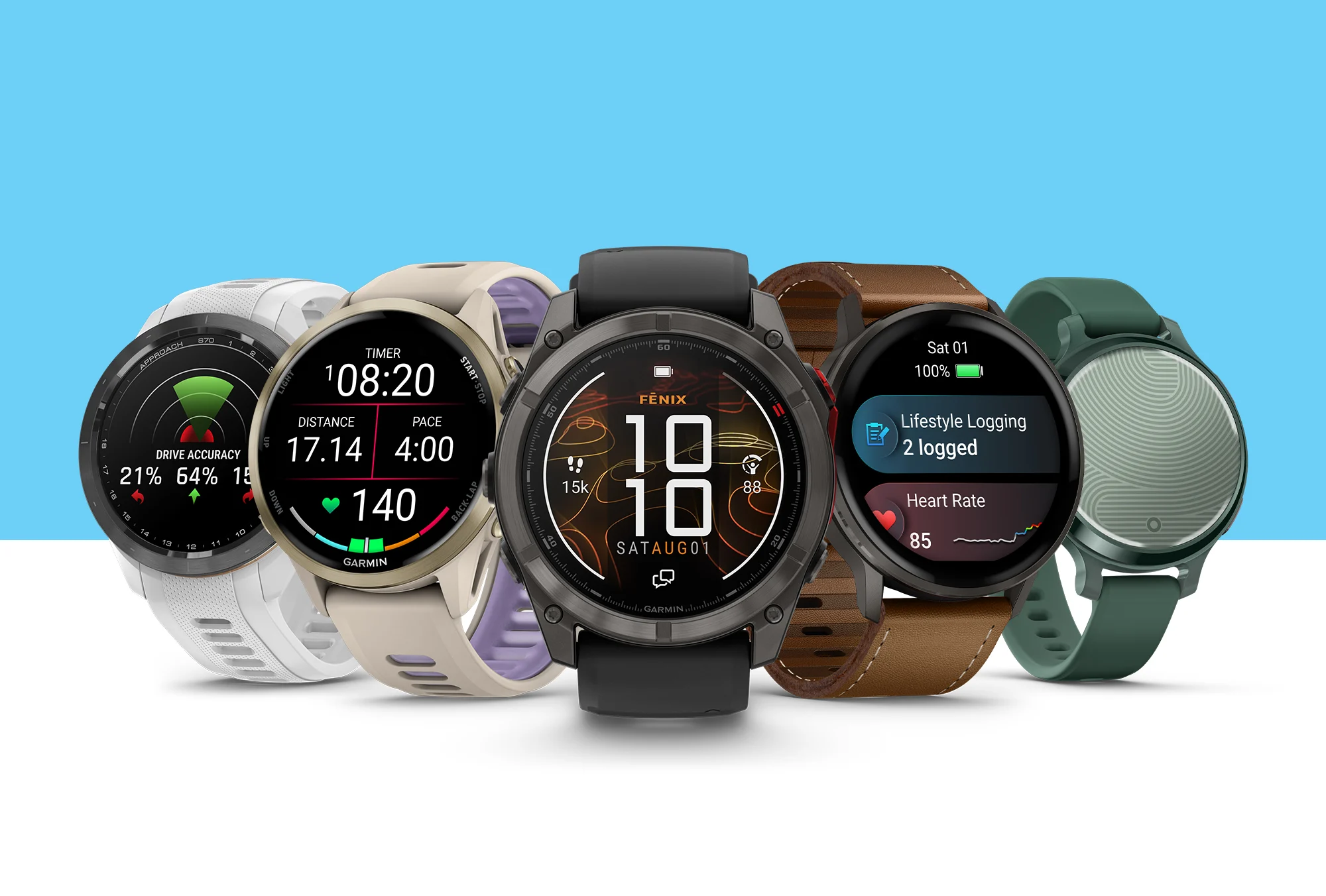
Which Garmin Watch Is Best for Tracking HRV and Recovery?
Many Garmin GPS smartwatches support HRV-related health and recovery features, but available features vary by device.
Choose a watch based on the activities and information that matter most to you.
| Primary Use | Recommended Garmin Series | Recommended Models |
|---|---|---|
| Running, marathon and triathlon | Forerunner | Forerunner 70/170, Forerunner 570, Forerunner 970 |
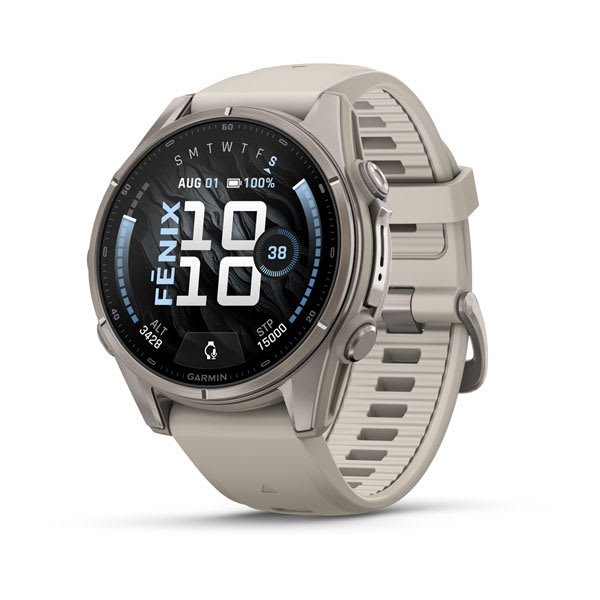
| Outdoor activities, hiking and multisport | fēnix | fēnix 9, fēnix 8 |
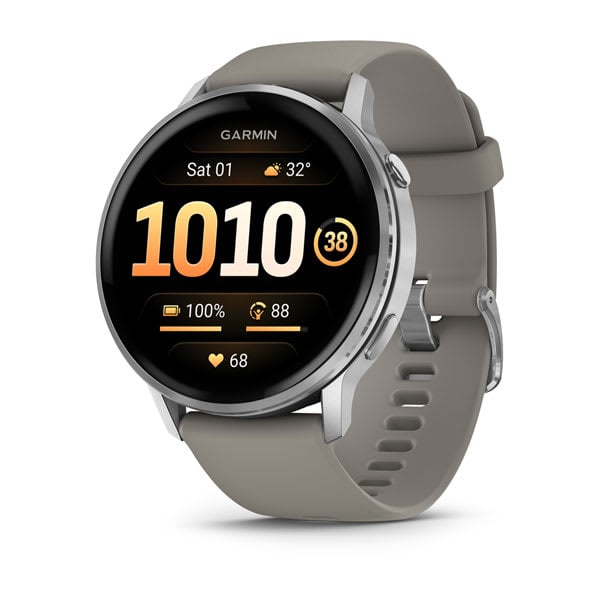
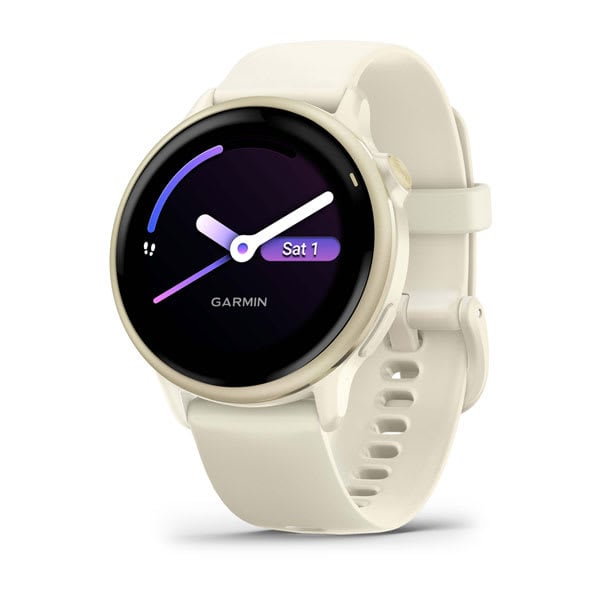
| Health, fitness and everyday use | Venu, vívoactive | Venu 4, Venu X1, vívoactive 6 |
| Outdoor activities and durability | Instinct | Instinct 3 |
Explore Garmin smartwatches in the Philippines.
Buying tip: HRV Status, Health Snapshot, Training Readiness and other health or training features vary by Garmin series and model. Check individual product pages and Garmin Support for the latest feature compatibility before choosing a device.
HRV Frequently Asked Questions
1. What Is a Good or Normal HRV?
There is no single “good” or normal HRV value for everyone. A useful HRV is one that remains relatively stable within your personal baseline range over time.
Age, fitness level, sleep, activity and individual physiology can all influence HRV, so comparing your HRV with someone else’s may not be meaningful.
2. Is a Higher HRV Always Better?
No.
A higher HRV is often associated with greater parasympathetic activity and recovery, but an unusually high reading relative to your normal baseline does not automatically mean you are better recovered.
Look at your HRV in relation to your personal baseline and other recovery information.
3. Why Does My HRV Change From Day to Day?
HRV naturally fluctuates.
Sleep, stress, exercise, alcohol, changes in routine and your overall physical condition can all contribute to day-to-day changes.
This is why trends are usually more informative than a single reading.
4. Does HRV Change With Age?
Yes. HRV tends to change with age, but age is only one of several factors that influence heart rate variability. Fitness level, sleep, training, lifestyle and individual physiology can also affect your readings.
Rather than comparing your HRV with a population average for your age group, Garmin HRV Status focuses primarily on how your recent HRV compares with your own personal baseline.
5. How Does Garmin HRV Status Work?
Garmin HRV Status uses HRV measured while you sleep and builds a personal baseline so your longer-term HRV trend can be interpreted in an individual context.
For a detailed explanation of overnight measurements, 7-day averages, personal baselines and HRV Status categories, read:
Understanding the HRV Status on Your Garmin Smartwatch
6. Does Low HRV Mean I Am Sick?
Not necessarily.
Low HRV can occur for many reasons, including poor sleep, high stress, strenuous exercise and increased recovery needs.
HRV should not be used to diagnose illness. If you have concerning symptoms or feel unwell, consult a qualified healthcare professional.
7. Should I Skip a Workout When My HRV Is Low?
Not automatically.
Consider your HRV together with your sleep, recent training load, recovery time, Training Readiness and how you feel.
One unusual HRV reading usually provides less information than a consistent trend combined with other recovery indicators.
Understand Your HRV in Context
HRV can offer useful insight into how your body responds to training, sleep, stress and everyday life, but its value comes from context and consistency.
Rather than chasing the highest possible HRV number, focus on understanding your personal baseline and how your HRV changes over time.
Wear your compatible Garmin device consistently, pay attention to your sleep and recovery habits, and use HRV alongside other Garmin metrics to build a more complete picture of how your body is responding.
Continue Reading
Want to understand Garmin HRV Status in more detail?
Understanding the HRV Status on Your Garmin Smartwatch
Interested in HRV and training fatigue?
An Alternative Reference Index to Monitor Fatigue – Heart Rate Variability (HRV)