How You Can Train by Heart Rate Zones Using Garmin
What is heart rate zone training? Should you wear a heart rate monitor?
Your body works harder when you’re running instead of walking. When you sprint, your body may push to its limit. Ever wondered just how much more effort that sprint requires? Heart rate zone training may offer some answers.
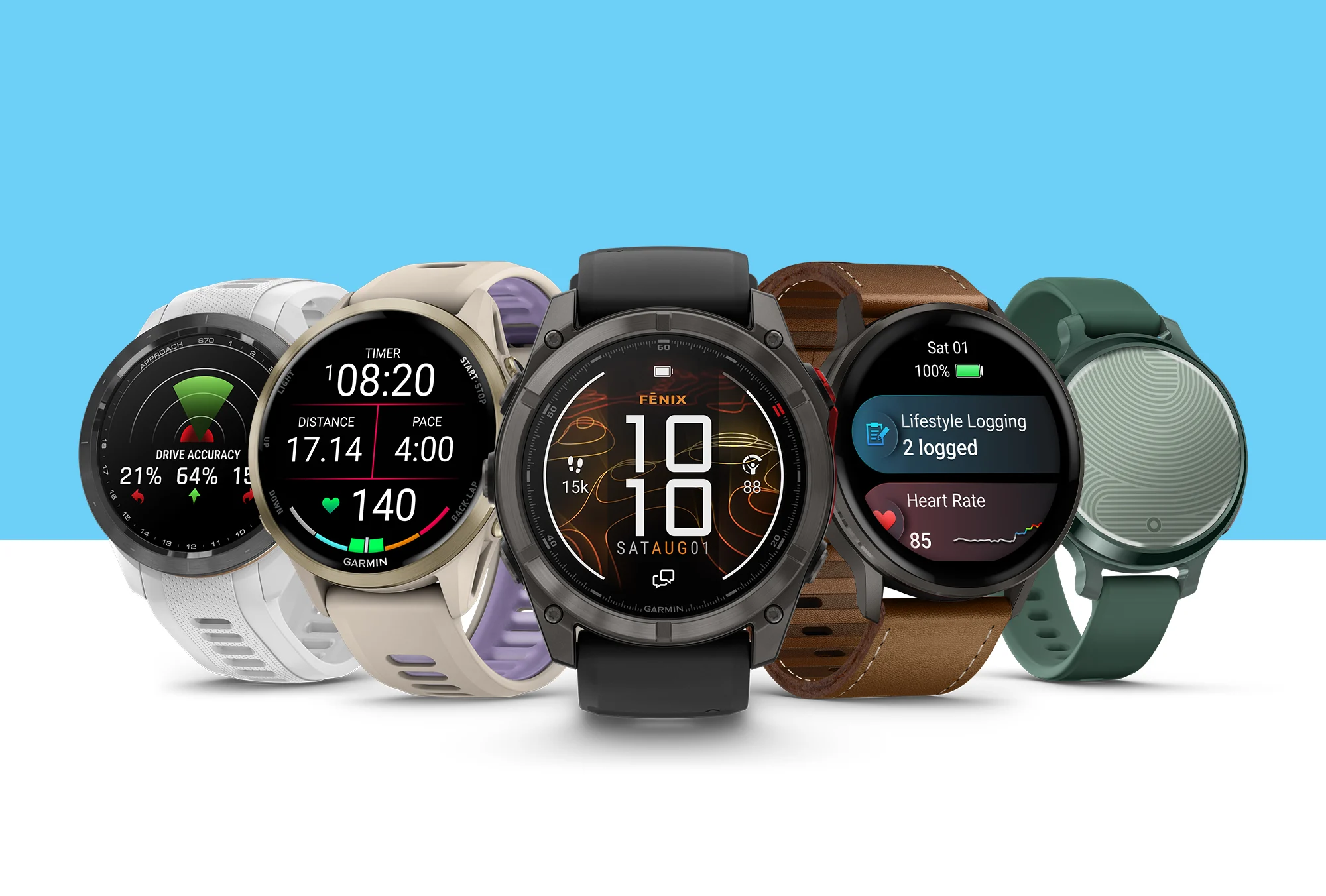
Whether you’re a beginner runner, a marathon regular or dedicated cyclist, knowing how to train with your heart rate zones can be useful. We recommend using a Garmin heart rate monitor (HRM) and a Garmin smartwatch with wrist-based heart rate to get the most out of this type of training because it helps you follow training programs at the recommended intensity.
Here’s how it works.
What is heart rate zone training?
Heart rate zones are ranges of heart beats per minute. You can use these to measure and grow your cardiovascular strength and help improve your fitness level.
Five heart rate zones show the intensity of your efforts when exercising. This type of training takes the guesswork out of the equation. Plus, it helps guide your effort during physical activity.
Heart rate zone training allows you to avoid pushing too hard during recovery sessions and know when it’s time to pick up the pace for intense workouts. Plus, targeting certain zones gives you different results (more on that later).
Why should you use Garmin?
When you train with compatible Garmin devices, that heart rate data unlocks fitness features that can elevate your training. Training effect, to name one, builds throughout your workout and can help you tailor your workouts.
Garmin does the heart rate zone thinking for you. And it’s all made better by our highest-quality heart rate signal with a Garmin HRM.
For example, you can try Garmin Coach training plans available in the Garmin Connect™ app. Many of these adaptive training plans use your heart rate data to assess everything from your fitness progress to your recovery needs. Depending on your preferences, workouts from these plans may also use your heart rate for real-time workout guidance. In Garmin Connect, you can also review in detail what your heart was doing during workouts and see how much time you spent in different zones.
If you prefer a more hands-on approach, you can customize specific heart rate zones for running, cycling and swimming, which puts you fully in charge of how your watch or Edge® cycling computer guides you during your workouts.
HRMs unlock features just for cyclists as well, especially those who aren’t already using wrist-based heart rate on rides. For example, with an HRM and a power meter, you’ll ensure you get precise performance data when training with the Garmin Cycling Coach plan. (Compatible Garmin smartwatches also work with Garmin Cycling Coach. You can learn more about the benefits of wearing a Garmin smartwatch and using an Edge cycling computer).
Why should you wear a heart rate monitor?
Accuracy and ease make the case for HRMs.
If you already wear a Garmin smartwatch, you might be wondering what the point is. After all, these already track your heart rate1.
True! But watches and HRMs measure heart rate differently.
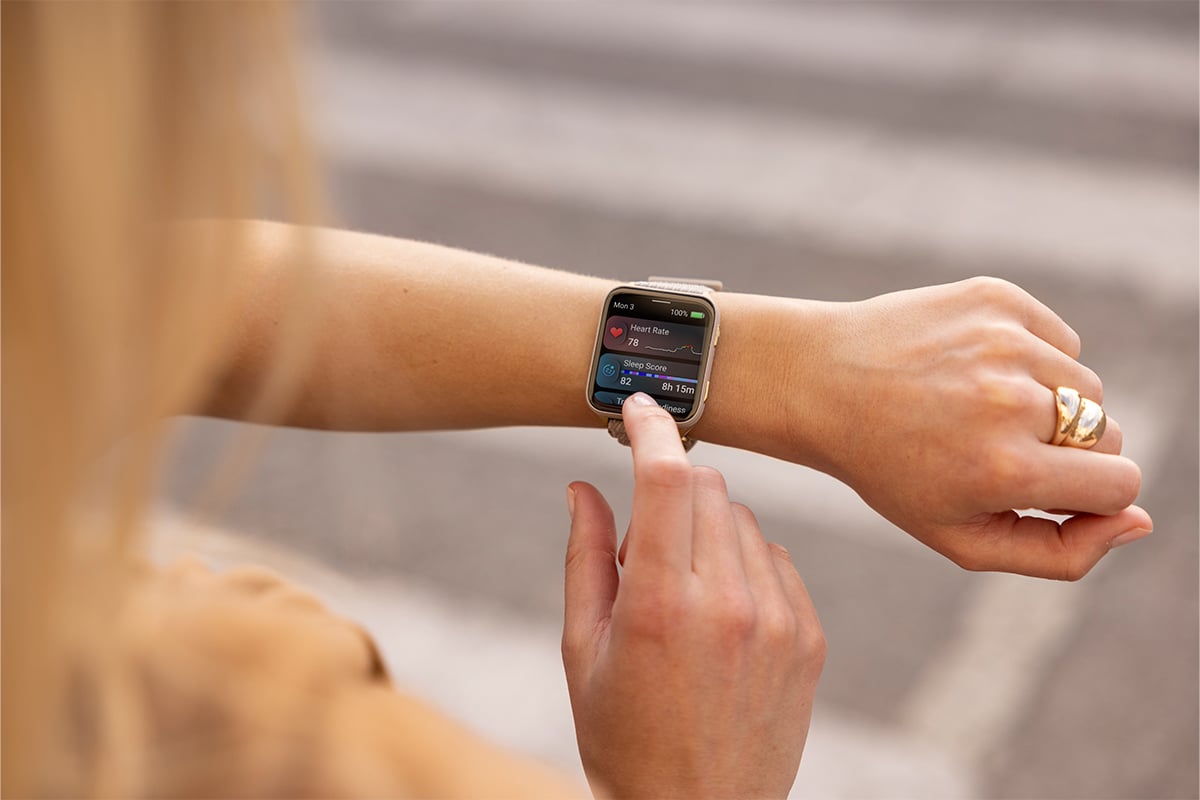
Your Garmin smartwatch uses an optical sensor that uses light to measure changes in your blood volume and find your heart rate. This is convenient for tracking your heart rate all day and all night.
HRMs with a chest strap measure the electrical signals your heart fires when it beats. This enables HRMs to provide greater accuracy and reliable data even during high-intensity activities. When you’re training by heart rate zone, accuracy matters. Even if you aren’t training explicitly by heart-rate zones, that improved accuracy factors into other Garmin metrics.
As an example, let’s take lactate threshold. When you run with an HRM, changes in your heart rate, heart rate variability and respiration rate are analyzed to learn when you likely crossed your lactate threshold.
HRMs can also be helpful if you don’t want to — or can’t — wear a watch during activities with a lot of arm motion, such as rowing and weightlifting. You’ll generally get a more reliable and accurate heart rate during these activities when wearing an HRM.
If you’re cycling and you strap your watch to your bike for easy viewing, or you wear your watch on top of a jacket sleeve in the winter, an HRM can capture the heart rate data you’ll otherwise miss.
Why should you also wear a Garmin smartwatch?
HRMs are not convenient to wear all day, but that’s where the wrist-based heart-rate sensors on Garmin watches excel.
When you wear a compatible Garmin smartwatch throughout the day and all night, you unlock 24/7 health1, wellness and training data. This includes stress tracking, sleep tracking, sleep coach, Body Battery™ energy monitoring and HRV status. Plus, wearing a watch improves the recovery time and training status features.
The combination of round-the-clock data from your Garmin smartwatch and activity data from your HRM can help you reach your training and overall fitness goals.
How do you calculate your heart rate zones?
Garmin can automatically calculate your heart rate zones based on your maximum heart rate recorded on a watch. But if you prefer the do-it-yourself method, we can help with that too.
There are several ways to set up your heart rate zones, but the most common are based on percentages of your maximum heart rate.
If you know yours, you can enter your maximum heart rate in the Garmin Connect app or in the user profile settings of your device. If you don’t know it, Garmin will estimate it starting with this formula: 220 minus your current age. For example, a 42-year-old man would have an estimated maximum heart rate of 178 bpm (220-42 = 178). However, your Garmin product will update this estimate over time using data from your workouts.
It’s important to remember that the age-based estimate is only a rough starting point, and your personal maximum heart rate could be quite different.
What are the heart rate zones?
Here’s how our default heart rate zones break down, using running as an example. If you customize your zones, then they may not match these descriptions.
Zone 1 (warm-up, 50-60% of max heart rate): You’re walking at a relaxed and easy pace. You can easily have a conversation, and your breathing is rhythmic. This zone improves how your heart pumps blood and your muscles use oxygen.
Zone 2 (easy, 60-70% of max heart rate): In this zone, you’re out for a light jog at a comfortable pace. Your breathing deepens, but you can still hold a conversation. This zone helps your cardiovascular training and recovery.
Zone 3 (aerobic, 70-80% of max heart rate): You’re running at a moderate pace, and it’s getting harder to hold a conversation. Zone 3 strengthens your heart and lungs for endurance.
Zone 4 (threshold, 80-90% of max heart rate): You’re running fast at a sustainable but uncomfortable pace. Your breathing is forceful. Zone 4 improves your anaerobic capacity and lactate threshold.
Zone 5 (maximum, 90-100% of max heart rate): When you’re in zone 5, you’re running fast, and you can only sustain it for brief periods of time. Your breathing is labored. Training in this zone builds power and provides anaerobic and muscular endurance.
Don’t forget that you’ll likely have a better experience with this method when you wear an HRM.
Start improving your fitness today by browsing Garmin HRMs and fitness smartwatches.
1See Garmin.com/ataccuracy