10 Garmin Smartwatch Features That Work Better if You Wear Your Watch to Sleep
Whether you realize it or not, a lot is happening in your body while you’re sleeping. The connections between your brain cells are reorganizing, your cells are repairing, your energy levels are being restored, and molecules such as hormones and proteins are being released — all as you cycle through different sleep phases.
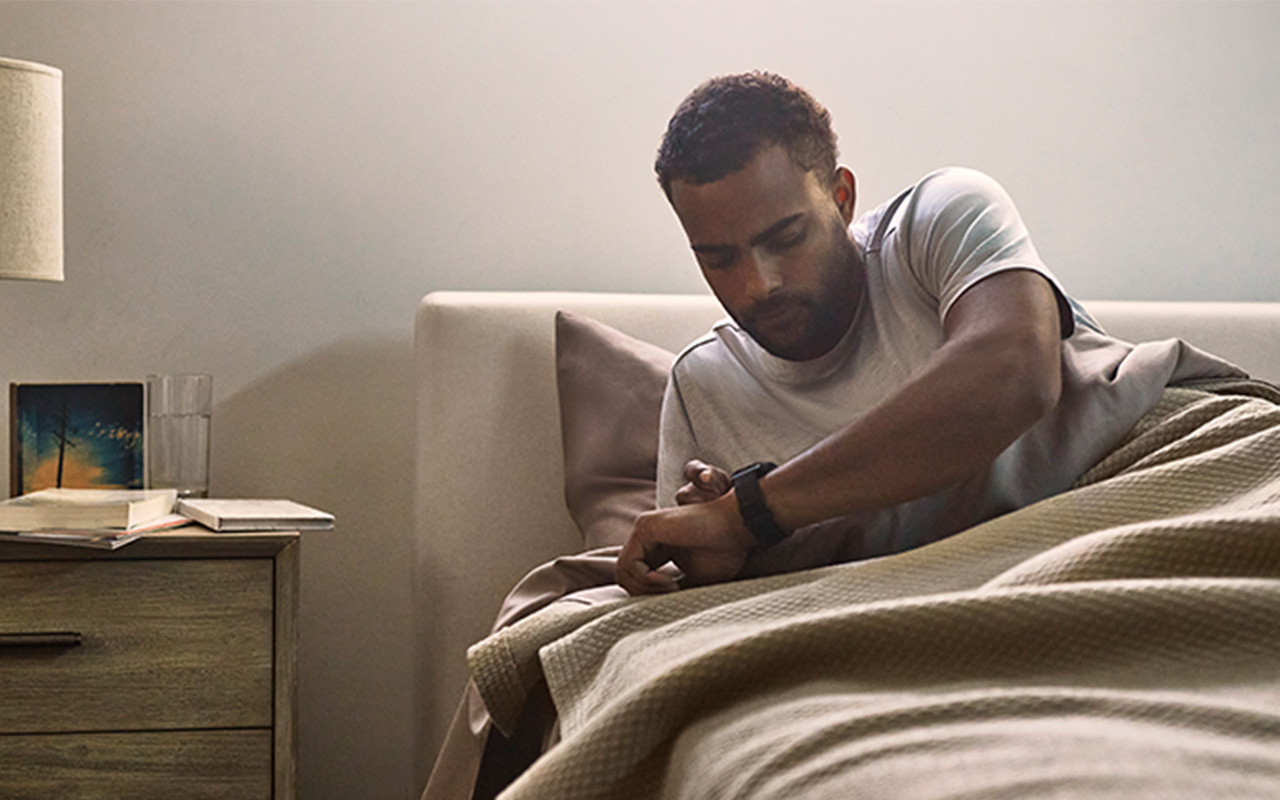
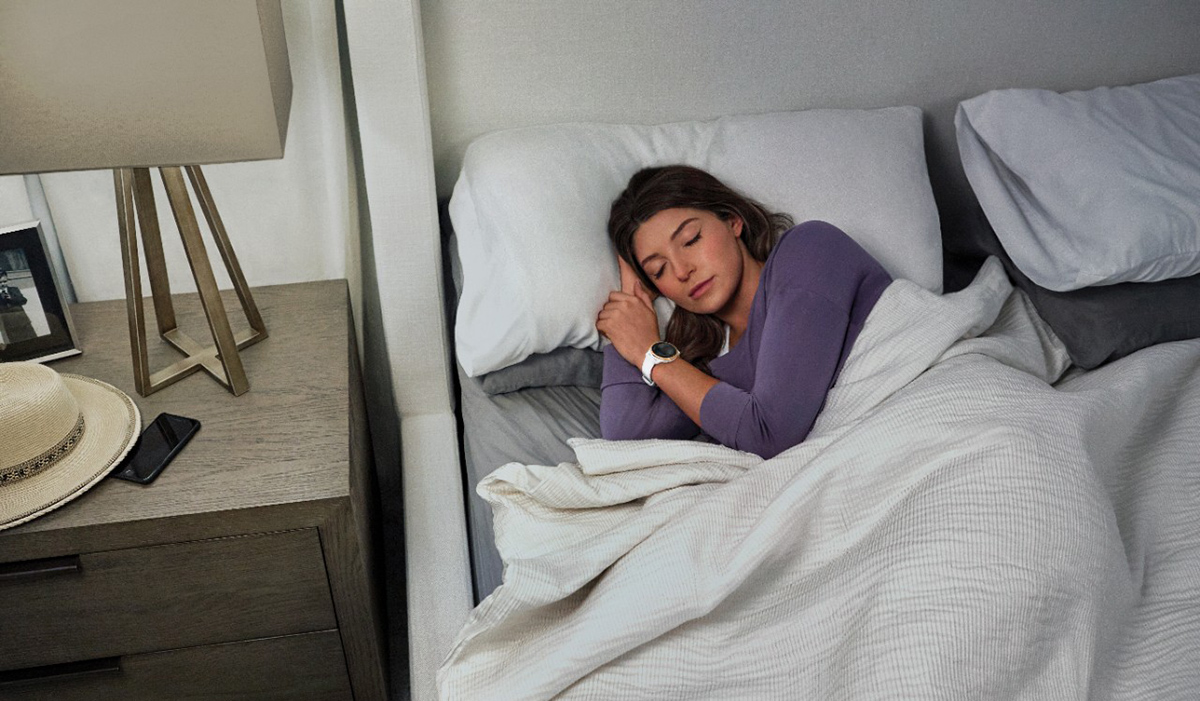
It makes sense, then, that if you want the most complete picture of how well your body is operating, you’ll want to track your physiological metrics during sleep as well. That’s why it’s so important that you wear your Garmin smartwatch to bed; not only are you able to take advantage of features such as sleep score or the built-in alarm clock, but you’ll also see improvements in the accuracy of other data that require round-the-clock monitoring to give a true picture of how your body is functioning.
Let’s walk through some of the Garmin smartwatch features (which vary by device) that are impacted by sleep.
1. Sleep Score
OK, so this one is obvious. Garmin smartwatches are good, but they aren’t analyze-your-sleep-quality-from-the-drawer-in-your-nightstand good. You must wear your watch for it to be able to do its job. And we do recommend that you pay attention to your sleep habits over time. Sleep is an essential function directly linked to physical and mental health, and consistently not getting enough of it is associated with high blood pressure, heart disease, stroke, poor mental health and Type 2 diabetes. Checking your Garmin sleep score each morning will give you a rating of how well you slept during the night based on six different factors, allowing you to make adjustments such as an earlier bedtime or less caffeine throughout the day.
Curious to see where you fit in with your peers in terms of sleep stats? We analyzed how well Garmin users sleep — and not surprisingly, quality sleep led to other positive metrics.
2. Body Battery Energy Monitoring
A feature unique to Garmin smartwatches, Body Battery is a real-time look at your personal energy resources. Powered by Firstbeat Analytics, your Body Battery measurement reflects your physical activity, stress, rest and sleep — and how each impacts your energy levels. On a scale of 1–100, your Body Battery number will indicate how ready you are to tackle a challenge at any given point — or how ready you are to rest. And since quality sleep is the body’s most valuable time for recovery, you’ll need to wear your watch for it to monitor just how effective that recovery is for your Body Battery.
3. Resting Heart Rate
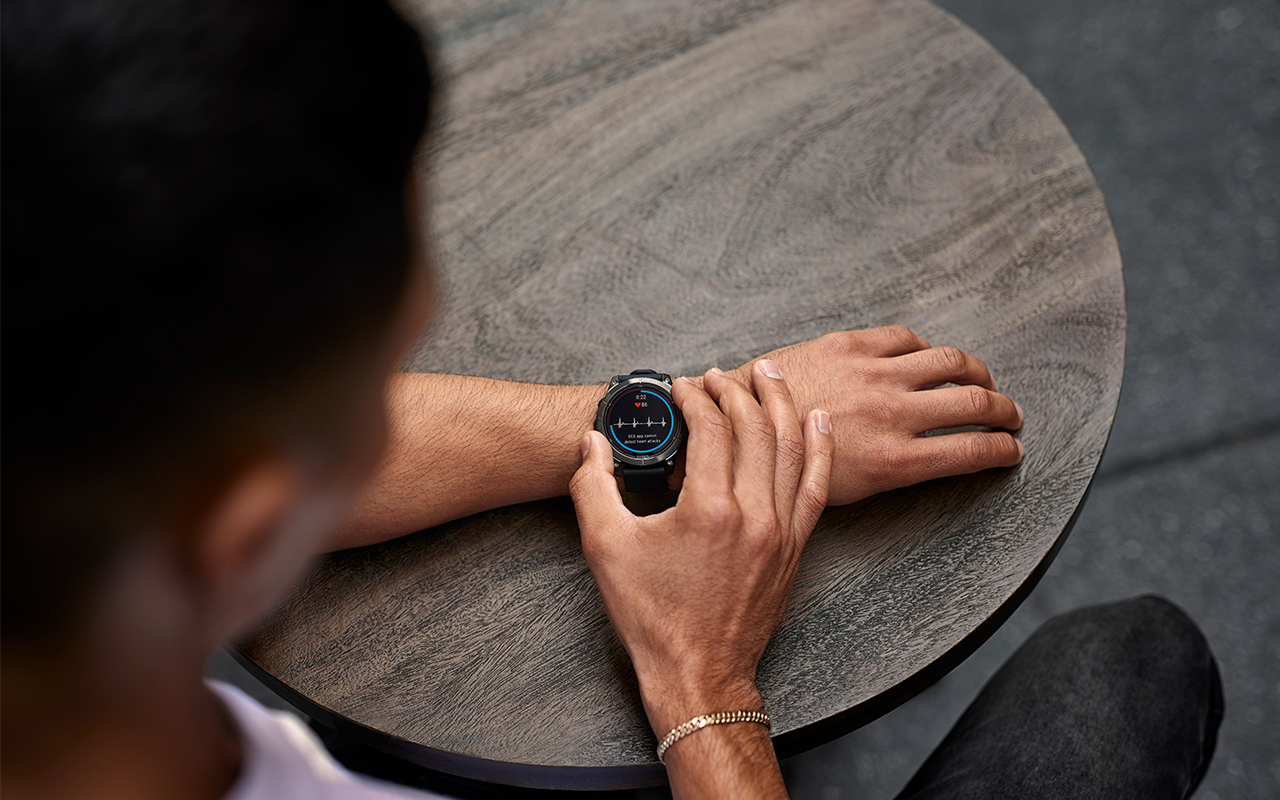
Garmin smartwatches provide all-day heart monitoring data using the Garmin Elevate heart rate technology sensor, an optical sensor built into the back of your device that detects your heart rate by shining a green light through your skin, which is reflected by the red cells in your skin’s blood vessels. There are many important reasons to track your heart rate, and knowing your resting heart rate (RHR) is one of them.
Your RHR is the number of times your heart beats per minute (bpm) while your body is in a state of rest. Garmin wearables typically measure RHR while you are asleep, usually not long before you wake up. For normal adults, the RHR can vary between 60 and 100 bpm, although Garmin data shows that the more active a person is, the lower their RHR tends to be. A lower RHR typically reflects cardiorespiratory fitness, quality sleep and low stress — but you must wear your watch during sleep to get the most accurate reading.
4. Heart Rate Variability (HRV) Status
HRV is another meaningful metric that Garmin technology uses your heart rate to measure. You may not have realized, but your heart doesn’t actually beat regularly — it’s not a metronome. There are varying lengths of time between each heartbeat, and while those changes aren’t typically dramatic, they do provide significant information about your body. These changes in time are regulated by your nervous system, and changes in HRV status can reveal how well your body is responding to stress and to relaxation. Analyzing these shifts helps to provide the basis for stress tracking, Body Battery monitoring and sleep tracking, but an analysis takes time. For your watch to give you an HRV status, you’ll need to routinely wear it overnight for at least 3 weeks. This will establish a baseline HRV status from which future nights of sleep can be compared. Garmin wearables only measure your HRV status during sleep — so if you’re not sleeping with your watch on, you won’t get the benefits of this feature.
5. Pulse Ox
Compatible Garmin smartwatches can act as pulse oximeters, which estimate how much oxygen is in your bloodstream at any given time as it travels around the body in your circulatory system. While Garmin smartwatches are not intended for medical purposes, you can turn on your Pulse Ox function to measure your oxygenated blood while you sleep, giving you an idea of how well your heart, lungs and blood are working together. If you notice anything that seems odd about your Pulse Ox reading, you’ll be able to direct those concerns to a health care professional to determine if more investigation is needed.
6. Training Status
The Garmin training status feature is a tool that lets athletes see how effectively they’re training. Compatible Garmin watches take in a wealth of daily data, including your VO2 max, HRV status and amount of training, to give you a comprehensive picture of your personal fitness in addition to specific guidance to help you achieve your goals. You’ll be shown one of 10 status categories, which range from peaking to strained — and the more data, the better. How well your body reacts to all situations — including sleep — is an important indicator of your overall fitness level.
7. Recovery Time
The recovery time feature on compatible Garmin smartwatches provides personalized insights into how long it will take before your body has fully recovered from the work it’s done during an activity. Naturally, sleep tracking data is an important consideration here, as sleep is a big factor into how well your body recovers. An especially bad night’s sleep will extend the amount of recommended time before your next tough workout, while some quality z’s can help to get you back on track faster.
8. Daily Suggested Workouts
Available on select Garmin GPS watches and cycling computers, the Daily Suggested Workouts feature aims to improve your fitness level as well as achieve your optimal training load by selecting daily running or cycling workouts designed to provide just the right level of challenge. Just exactly how challenging is challenging enough is decided by considering several factors, including your current training load, load focus, recovery time, the profile of recently performed workouts and — you guessed it — sleep data. Because sometimes a good (or bad) night’s sleep makes the difference between what’s appropriately challenging and what’s nearly impossible.
9. Training Readiness
Even if your training status has started to decline, that doesn’t mean it’s time to start putting in 110% effort at all times. Using primarily the previous night’s sleep tracking data and the recovery demands of any recent activities as well as your acute training load, HRV status, sleep history and stress history, the Garmin training readiness feature does exactly what it sounds like — it tells you how ready your body is for a tough workout. Pushing your limits before your body is ready can harm you more than it can help you, so getting an accurate picture of your sleep data can be instrumental in determining exactly what type of workout will best suit your needs.
10. Real-time Stamina
The stamina feature on compatible Garmin watches helps to describe your capacity for a good performance — or a poor one. Measured on a scale of 0–100%, your stamina score reflects how long you can reasonably expect to keep going at your current level of effort. Naturally, where fatigue resistance comes into play, so does sleep. To calculate your real-time stamina, your watch considers your physiological metrics, including both recent and longer-term activity history and fitness levels.
With a Garmin smartwatch, a world of physiological data is at your fingertips — or, more accurately, on your wrist — as long as you choose to wear it. Next time you hit the hay, be sure to leave your watch on so it can do its job to the best of its abilities. Don’t have a Garmin smartwatch yet? It’s OK— we won’t judge. You can fix that here to start learning more about your habits and how they impact your body. Because the more you know, the better you can train.